The header image of this page also comes in a vertical version made for phones: it is the “Jason and Lucia Rooftop” wallpaper, first on the list. Rockstar publishes 20 more in that format, and from one file to the next you go from a robbery to a motel room, from Boobie Ike and his champagne flute to a Grassrivers marsh at sunset.
We have gathered them here as Rockstar published them. Each wallpaper comes with a preview, its name on Rockstar's site, a download button and a link to Rockstar's page. The files weigh from about 0.9 to 4.0 MB, and every button shows the size, in case you are on mobile data.
The wallpapers of Jason and Lucia
Eight wallpapers for the two protagonists. Rockstar names them after a place (Rooftop, Beach, Motel), an action (Lock and Load, Robbery) or just a number. Rockstar publishes two phone versions of “Jason and Lucia 02”. We tell them apart as A and B, going by the file names: they show the same scene in two framings.
-
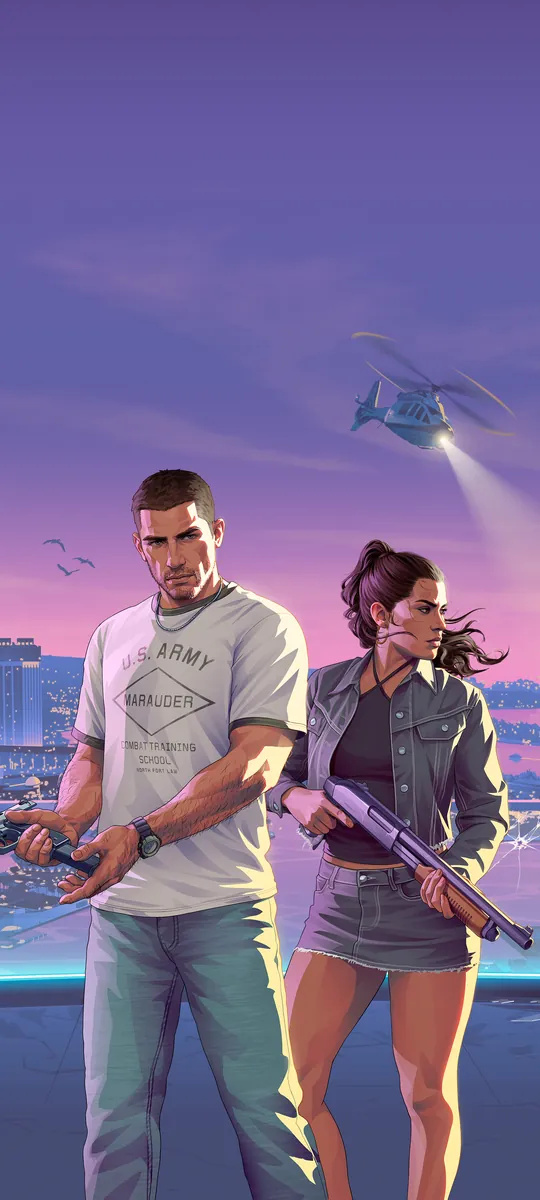
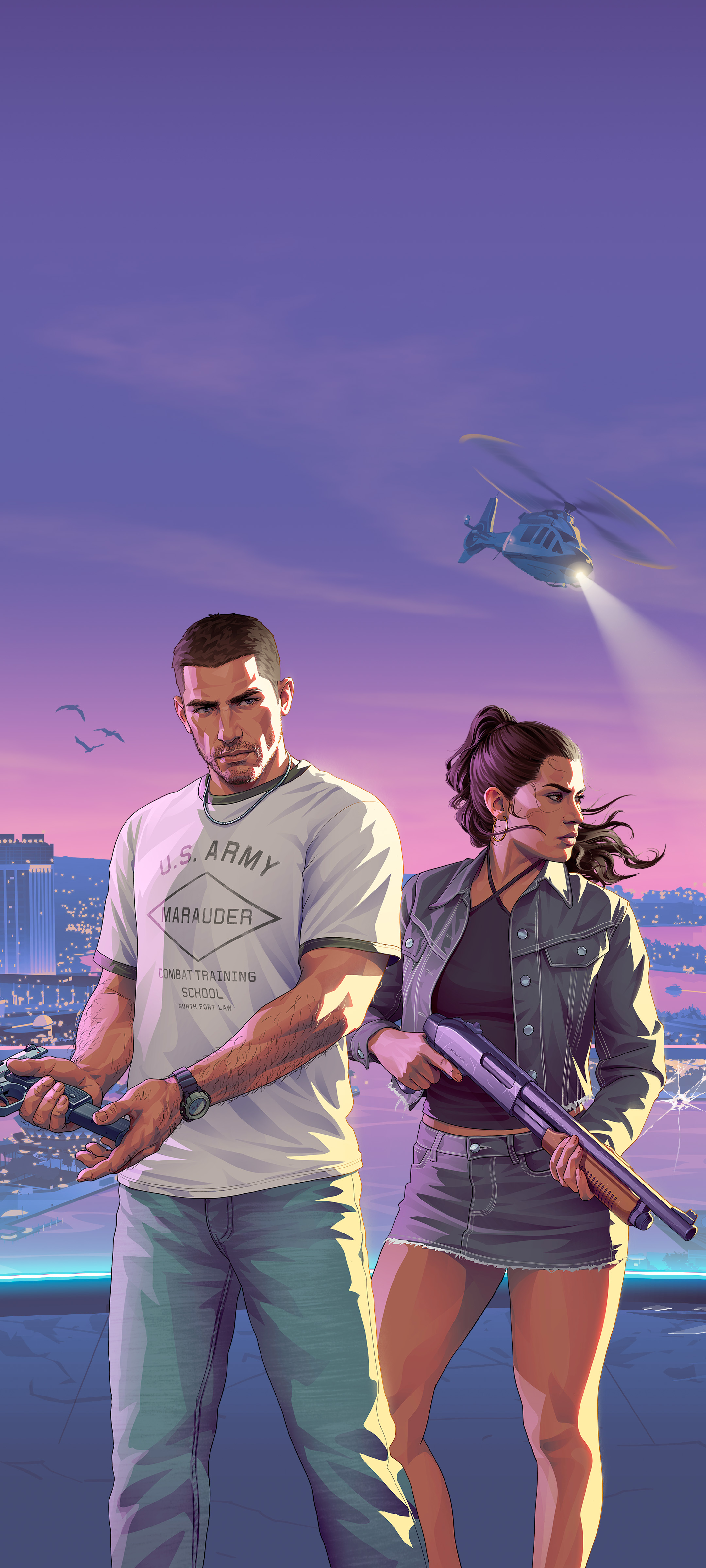
Jason and Lucia Rooftop
Behind Jason and Lucia, a helicopter flies over the city with its spotlight on. She holds a pump-action shotgun, he holds a pistol, and the sky shifts from purple to pink.
Download JPG, 2160 x 4800, 1.4 MB See it on Rockstar
GTA 6 © Rockstar Games · wallpaper published by Rockstar on rockstargames.com/VI
-
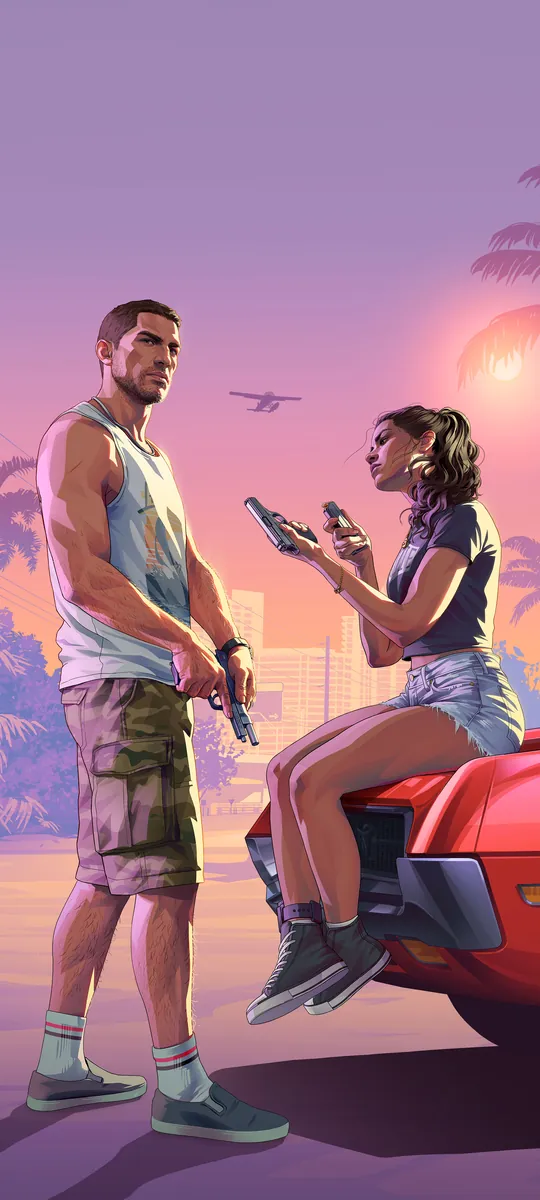
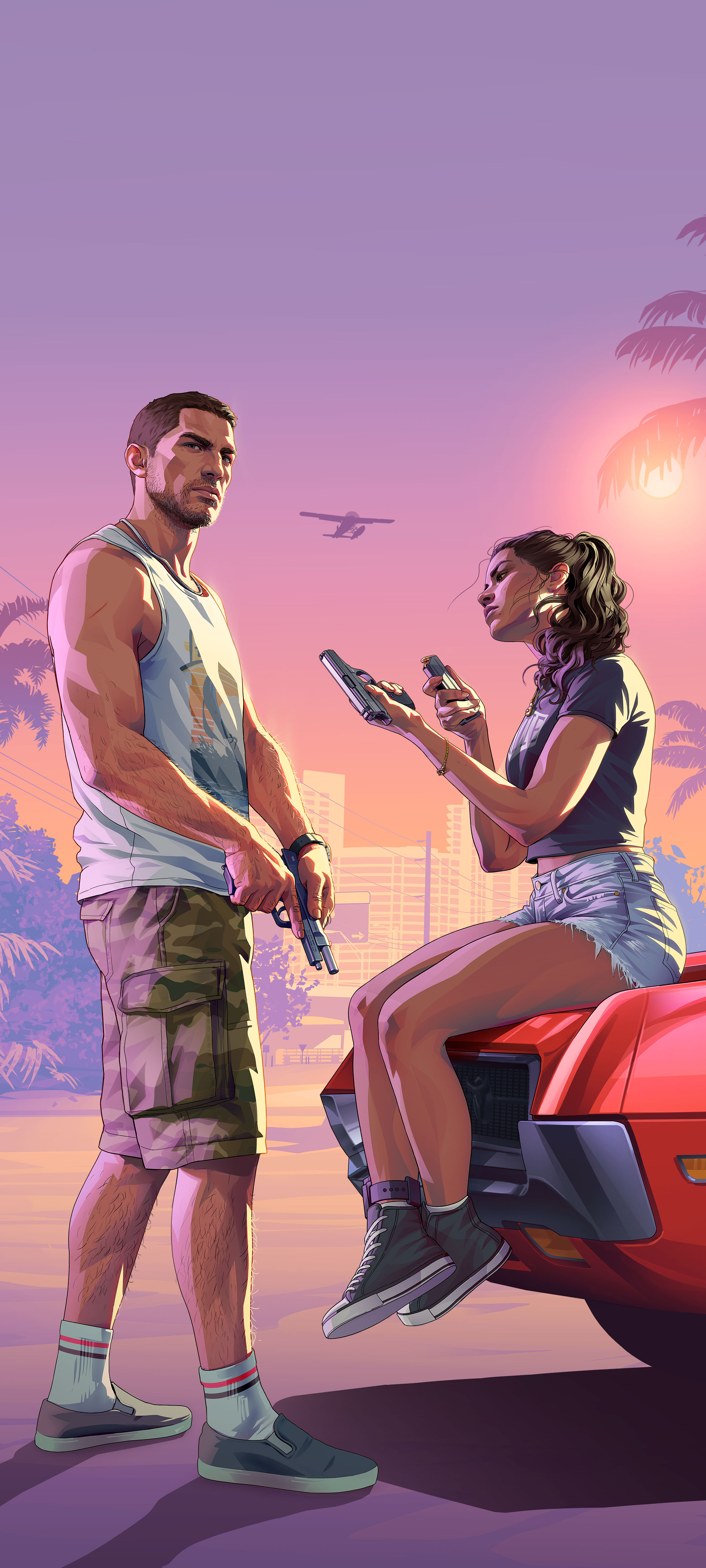
Jason and Lucia Lock and Load
At sunset, Lucia sits on a red car while Jason stands beside it, each with a gun in hand.
Download JPG, 2160 x 4800, 1.1 MB See it on Rockstar
GTA 6 © Rockstar Games · wallpaper published by Rockstar on rockstargames.com/VI
-
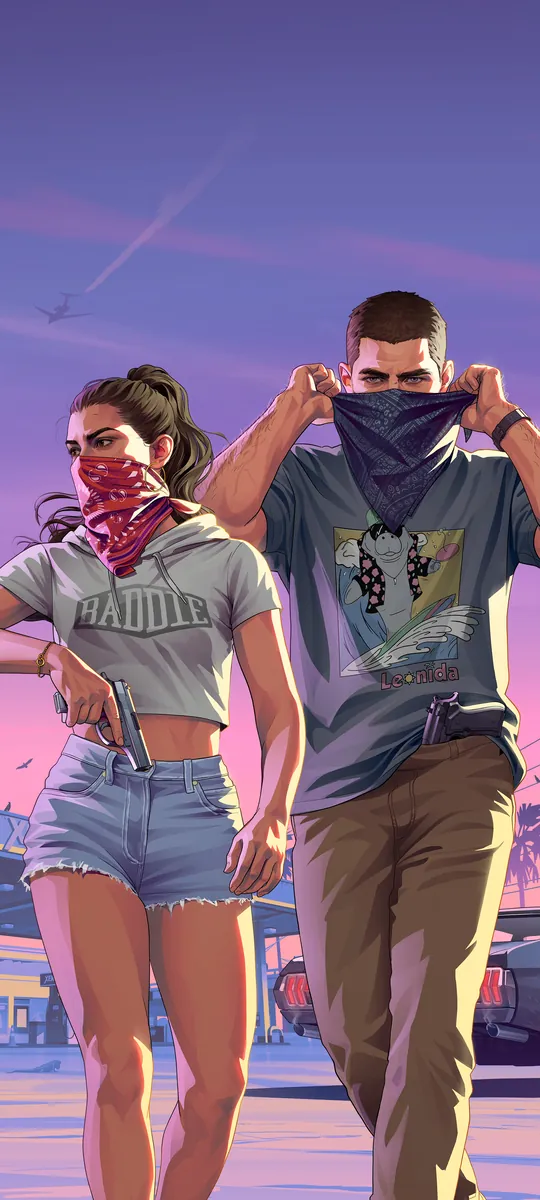
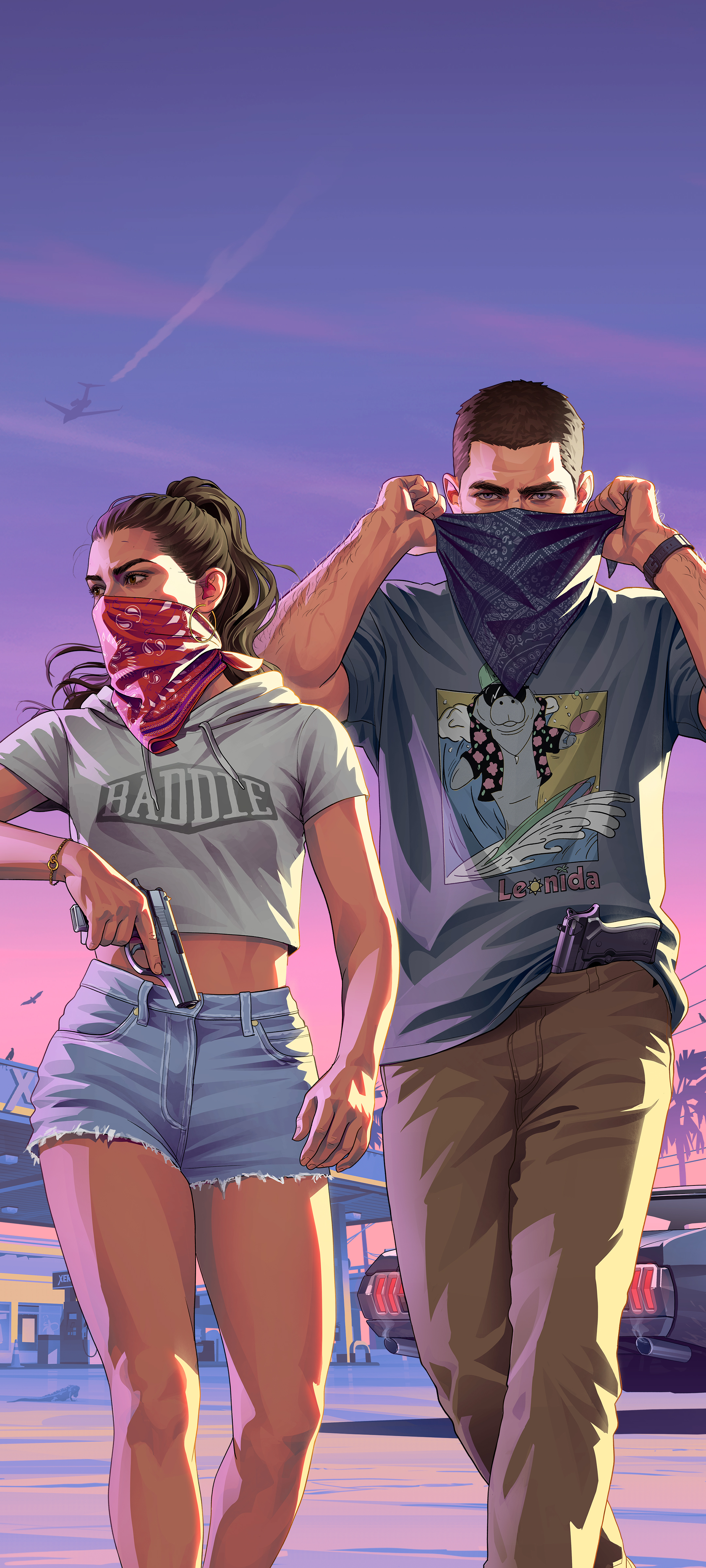
Jason and Lucia Robbery
Jason pulls his bandana up over his face; Lucia already has hers on and her pistol out. Count on 4.0 MB: it is the heaviest of the 21 files.
Download JPG, 2160 x 4800, 4.0 MB See it on Rockstar
GTA 6 © Rockstar Games · wallpaper published by Rockstar on rockstargames.com/VI
-
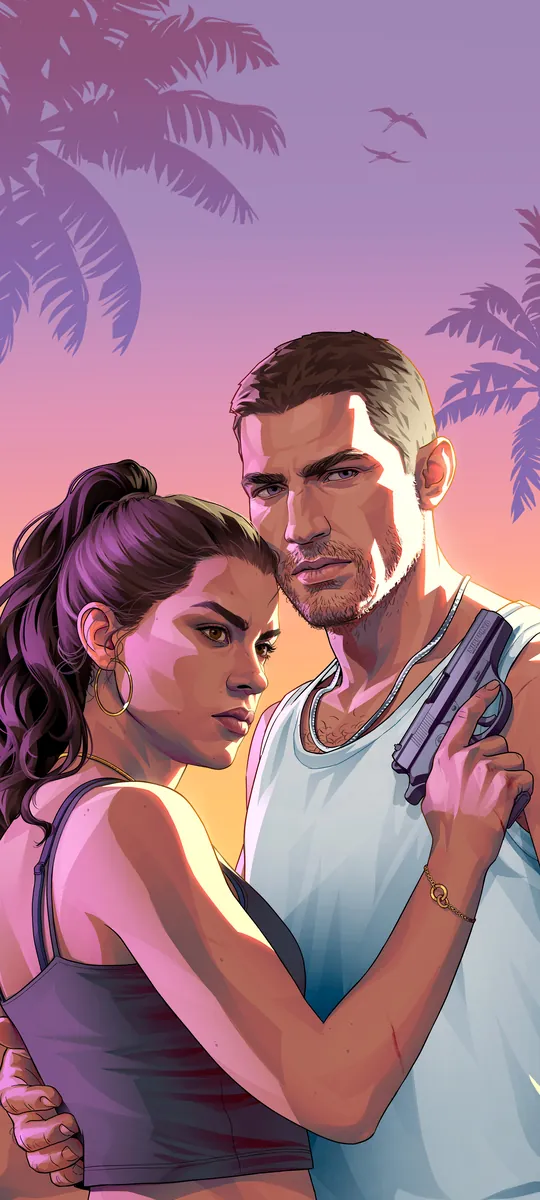
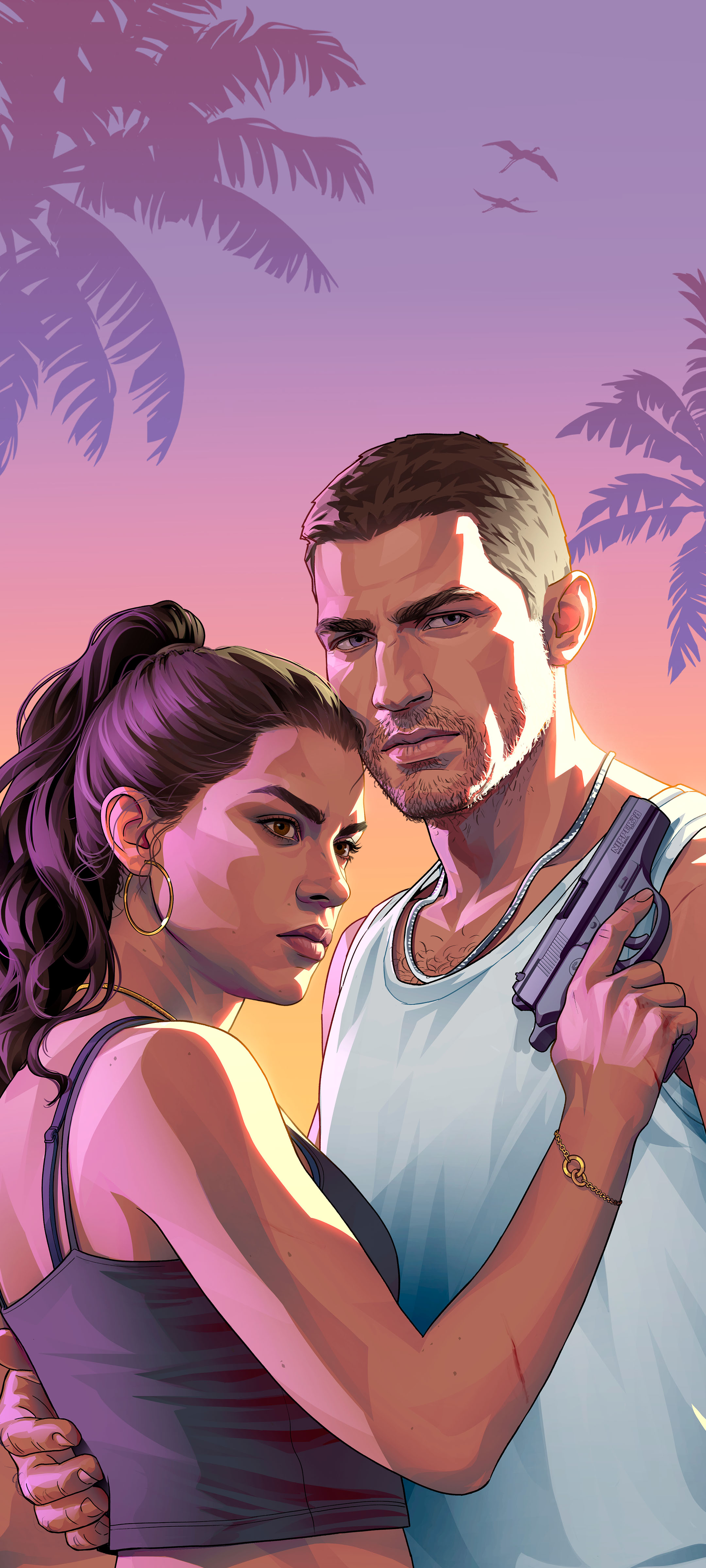
Jason and Lucia Beach
Jason and Lucia embrace under a pink sky, between palm trees, and she has not let go of her pistol. At 0.9 MB it is the lightest of the 21 files.
Download JPG, 2160 x 4800, 0.9 MB See it on Rockstar
GTA 6 © Rockstar Games · wallpaper published by Rockstar on rockstargames.com/VI
-
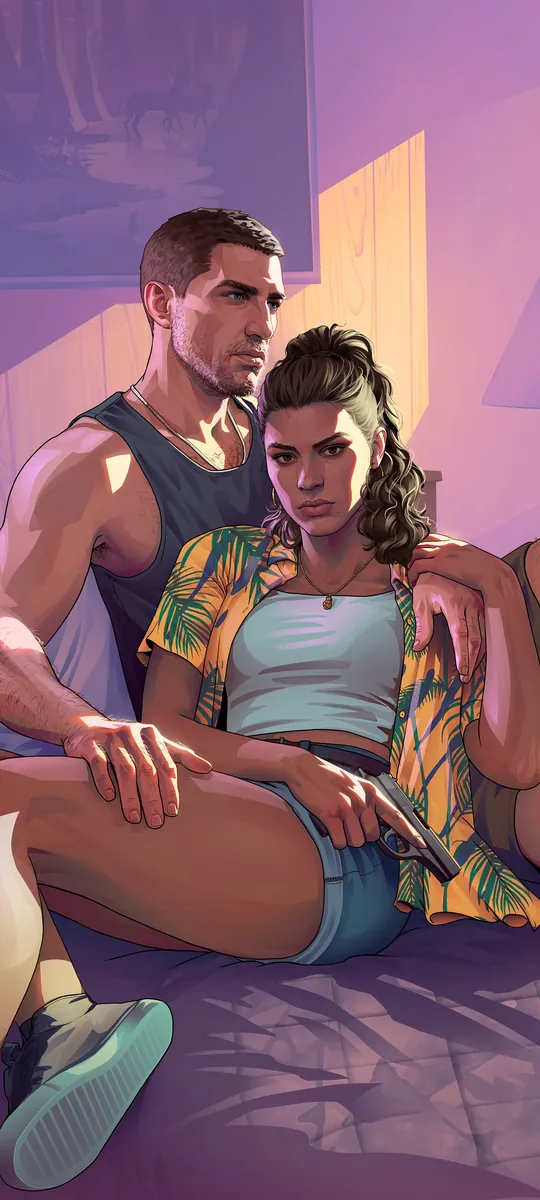
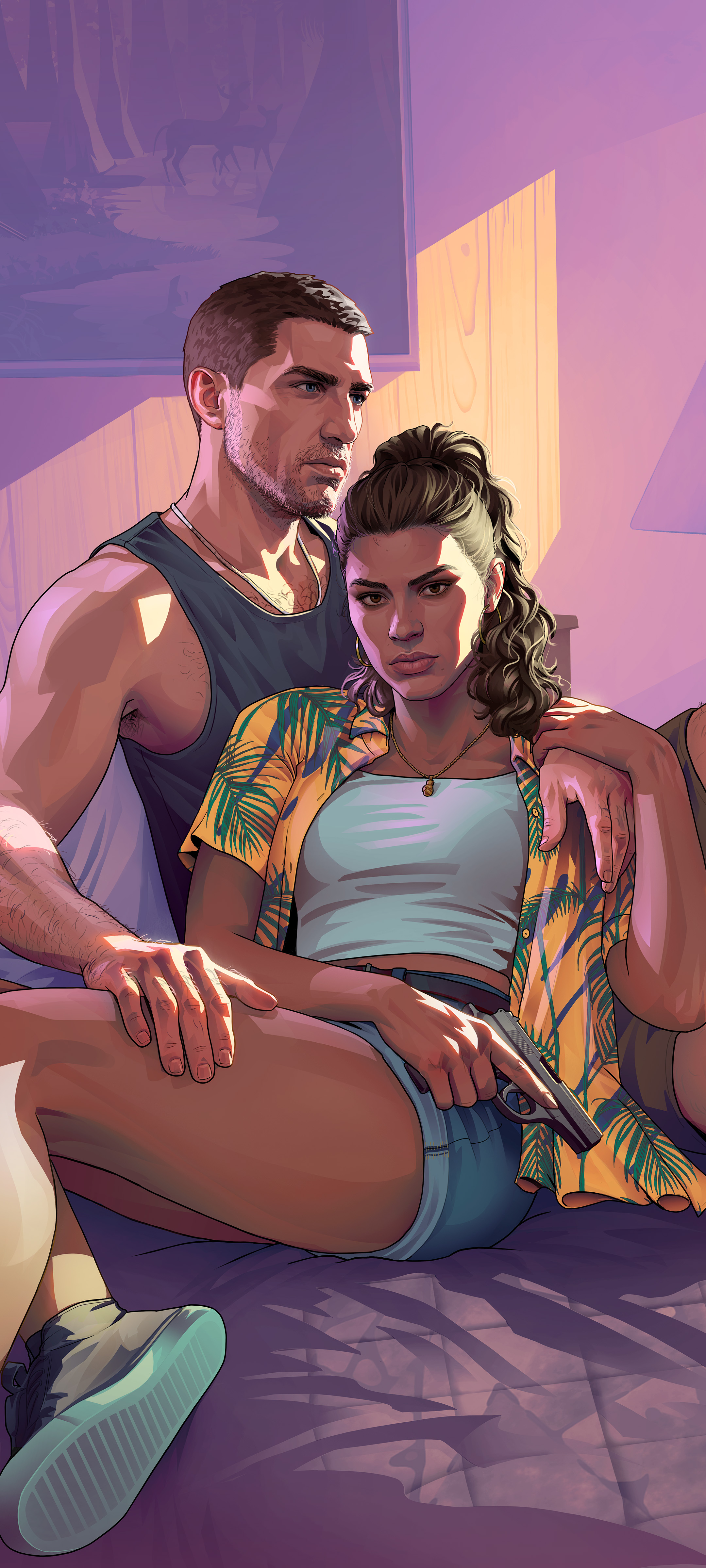
Jason and Lucia Motel
Orange light falls across the wall of a motel room. On the bed, Lucia leans back against Jason.
Download JPG, 2160 x 4800, 1.7 MB See it on Rockstar
GTA 6 © Rockstar Games · wallpaper published by Rockstar on rockstargames.com/VI
-
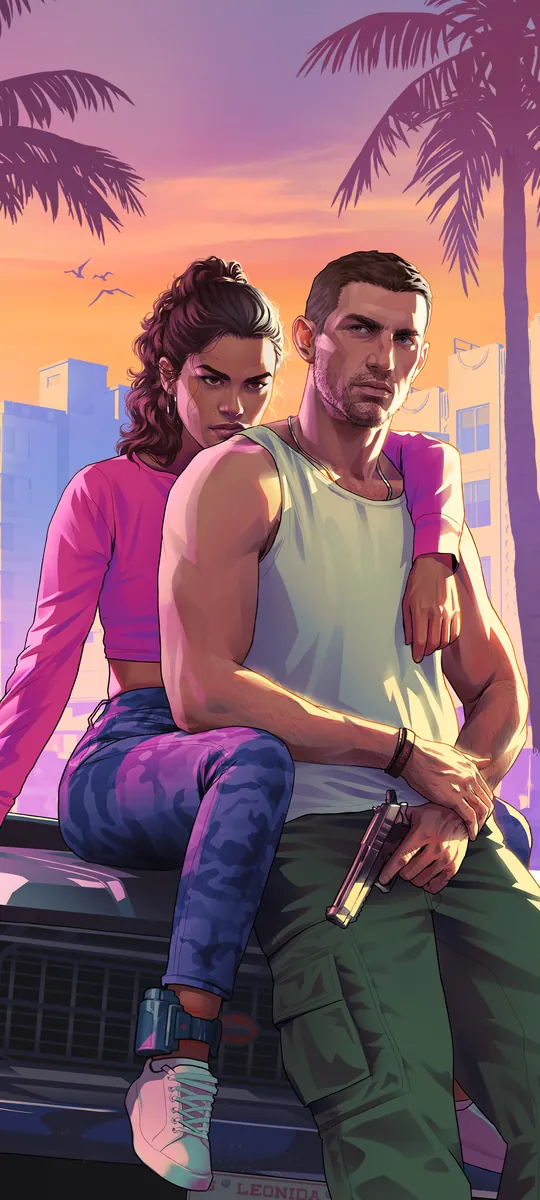
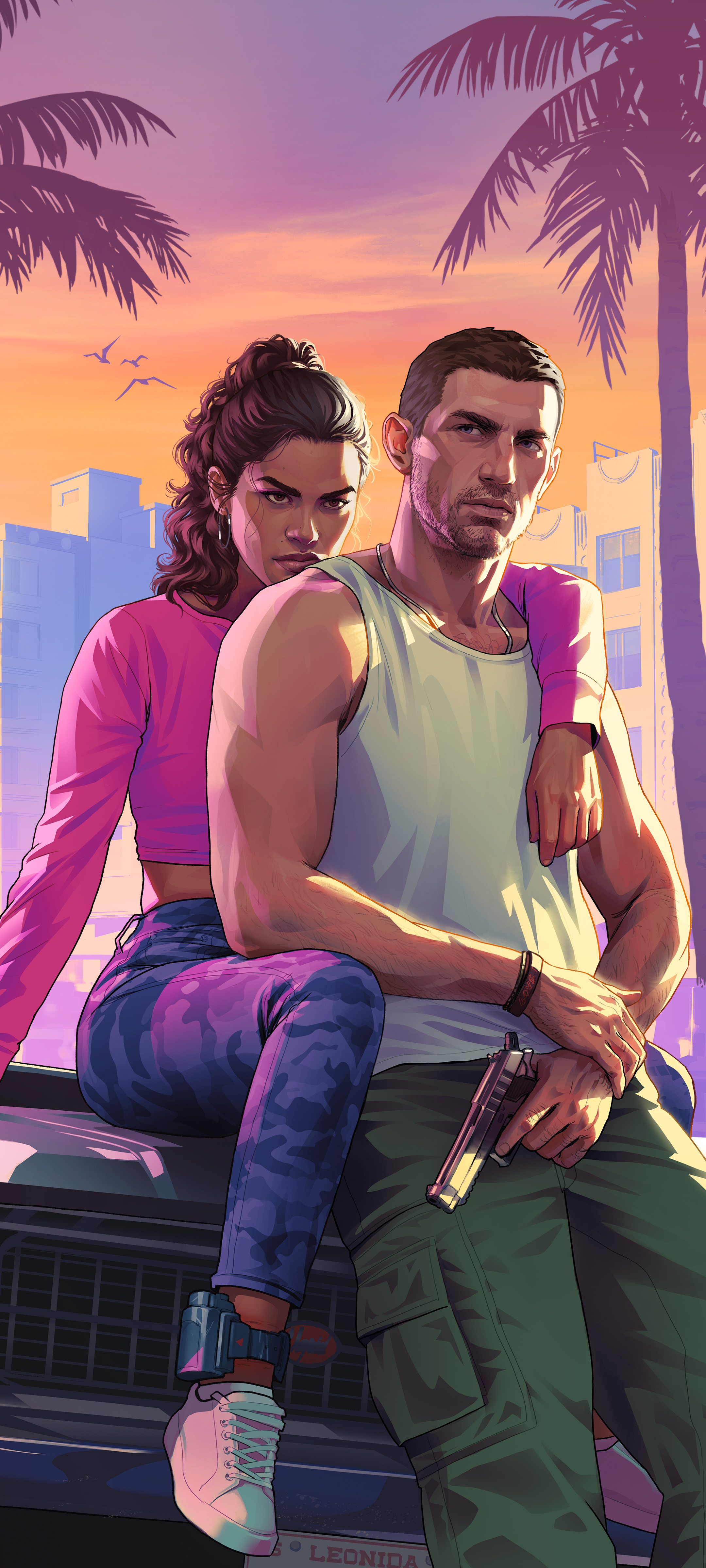
Jason and Lucia 01
Sitting on the hood of a car, Lucia drapes an arm over Jason's shoulder, with palm trees and an orange sky behind them.
Download JPG, 2160 x 4800, 1.7 MB See it on Rockstar
GTA 6 © Rockstar Games · wallpaper published by Rockstar on rockstargames.com/VI
-
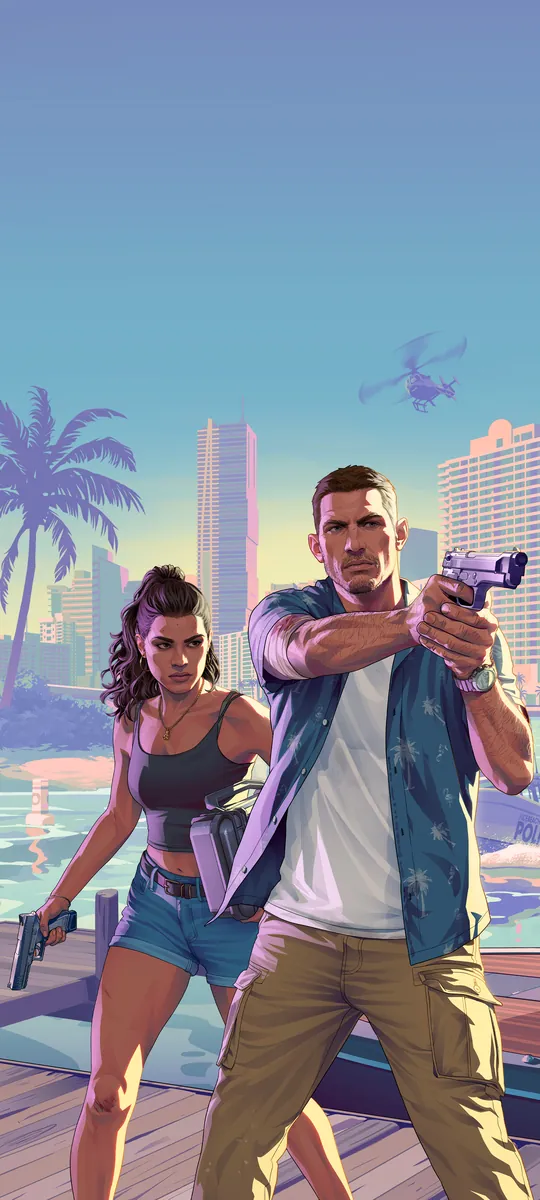
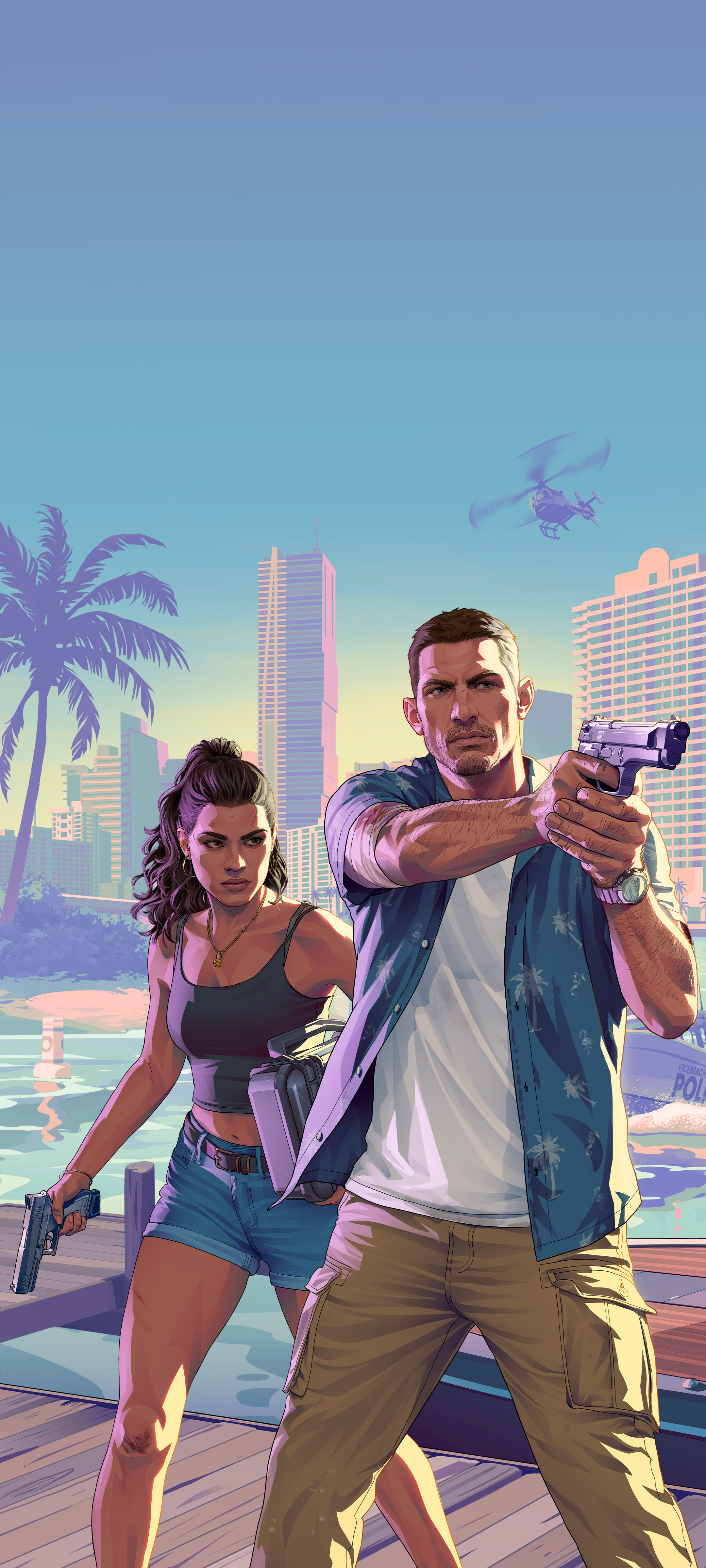
Jason and Lucia 02 (A)
Jason takes aim and Lucia follows him along the dock, pistol in hand. Behind them: towers, a helicopter and, on the water, a police boat.
Download JPG, 2160 x 4800, 1.7 MB See it on Rockstar
GTA 6 © Rockstar Games · wallpaper published by Rockstar on rockstargames.com/VI
-
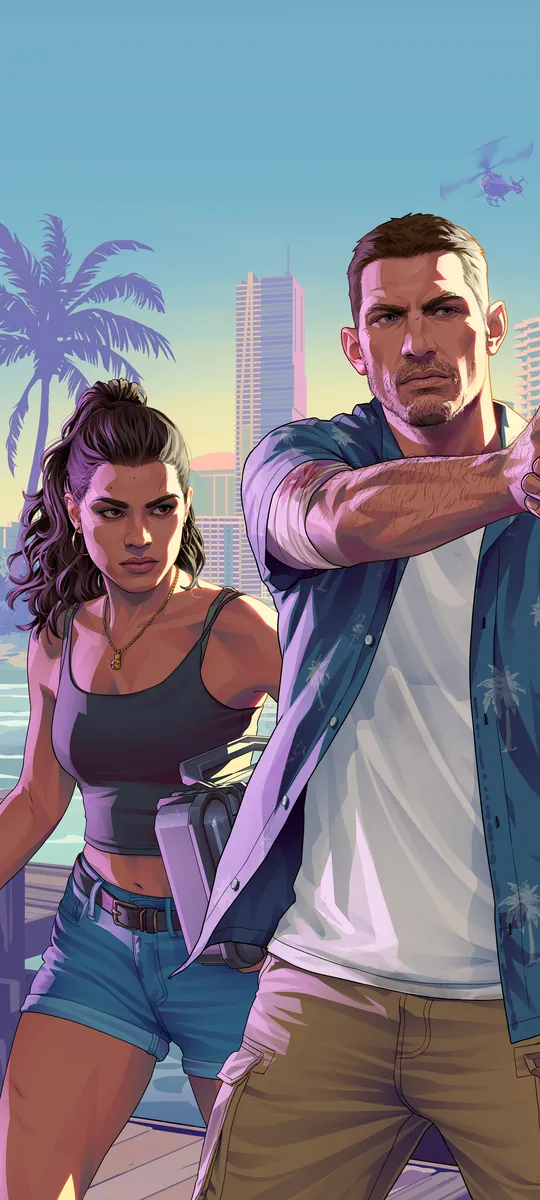
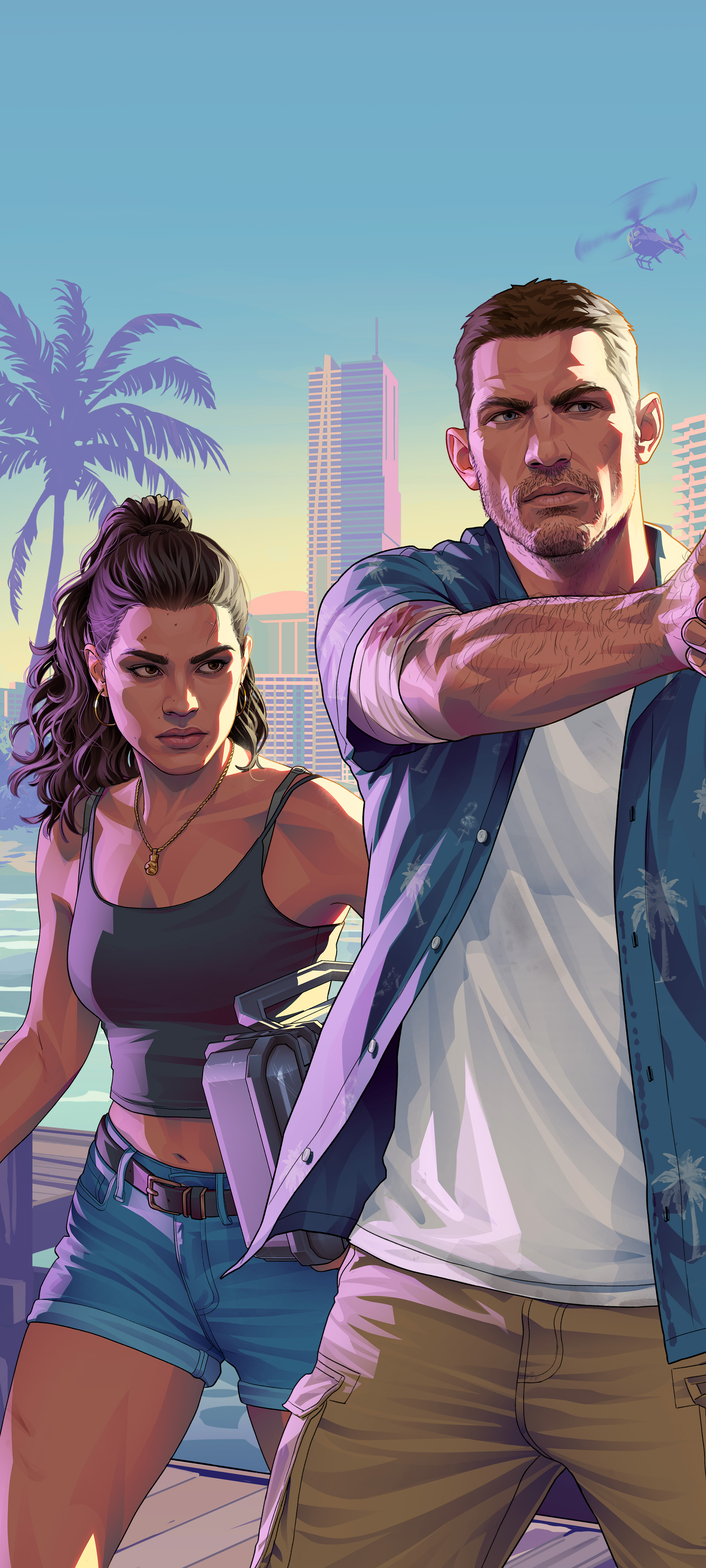
Jason and Lucia 02 (B)
Same scene, framed tighter: the faces get more room and Jason's pistol leaves the frame. Take version A for the whole scene, B for the faces.
Download JPG, 2160 x 4800, 1.6 MB See it on Rockstar
GTA 6 © Rockstar Games · wallpaper published by Rockstar on rockstargames.com/VI
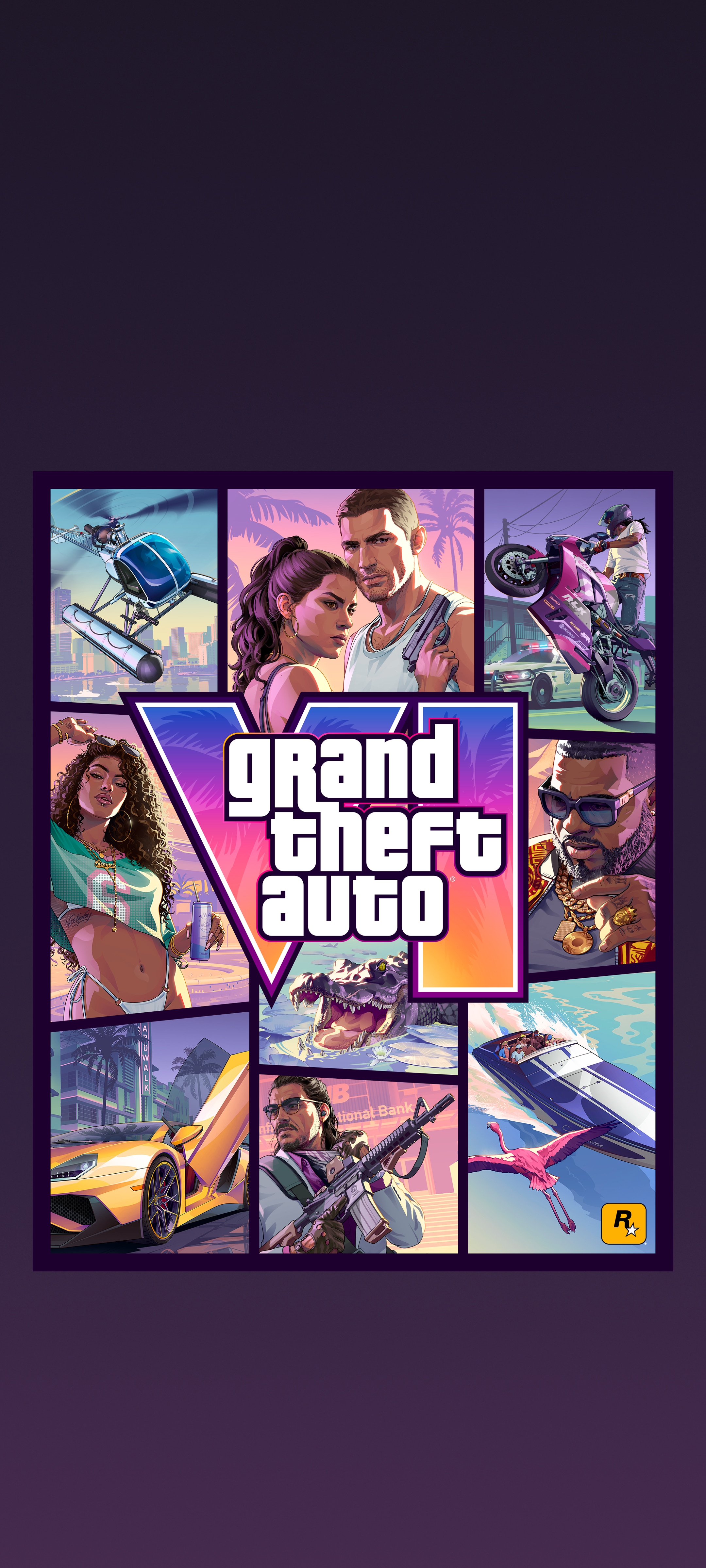
The official cover art
One wallpaper, and the only one on this page that carries the game's logo.
-
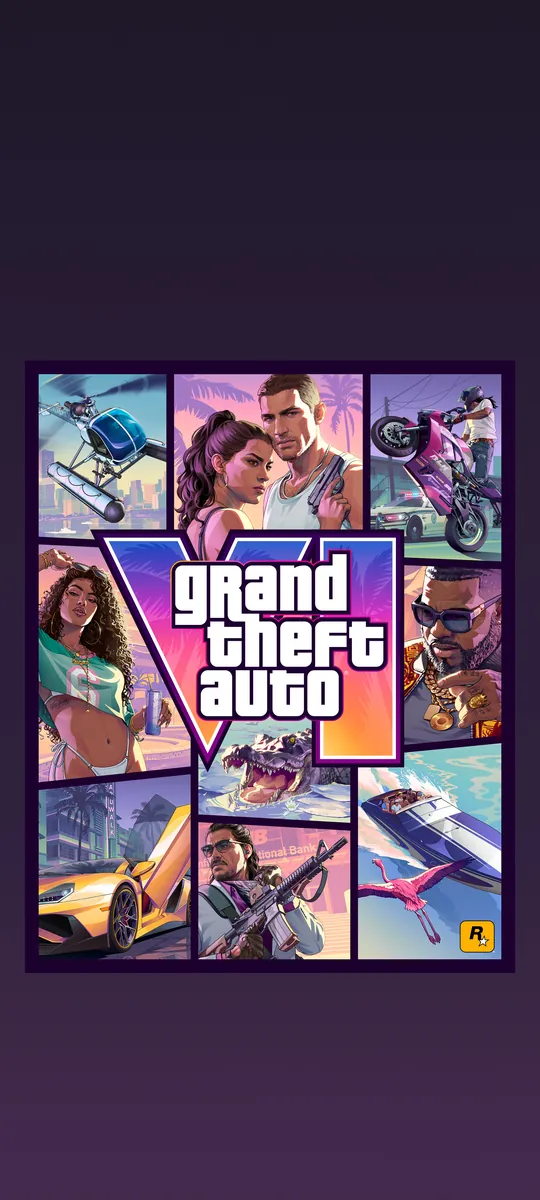
Official Cover Art
The whole cover, from the duo to the alligator under the logo, set on a dark purple background that leaves room at the top and bottom of the screen.
Download JPG, 2160 x 4800, 1.6 MB See it on Rockstar
GTA 6 © Rockstar Games · wallpaper published by Rockstar on rockstargames.com/VI
The wallpapers of the characters
Six other characters Rockstar introduces on its Only in Leonida page each get a wallpaper. The quotes are Rockstar's own words, copied from the English version of that page.
-
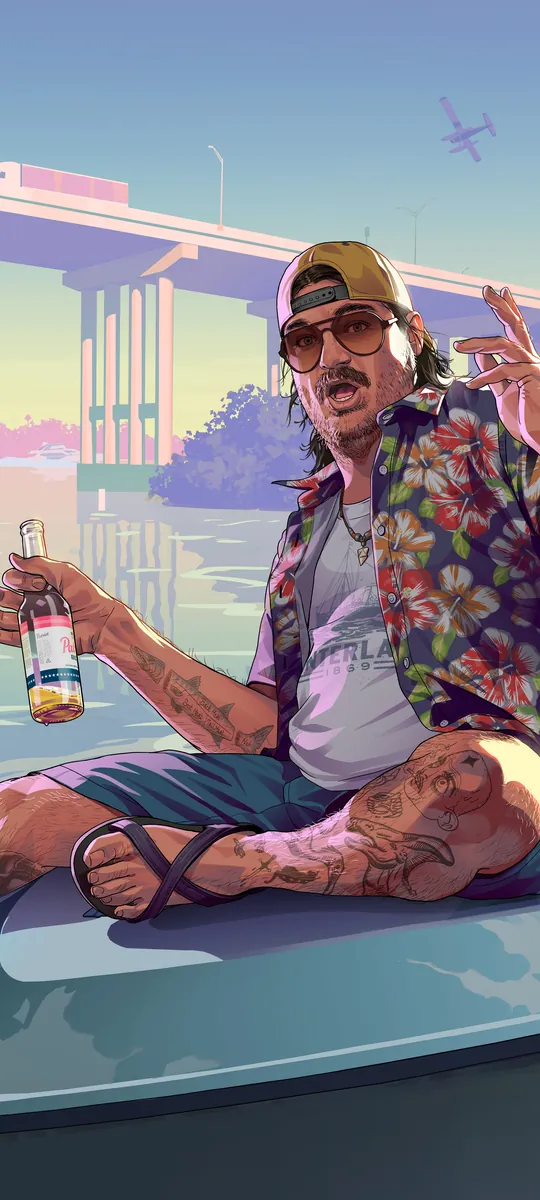
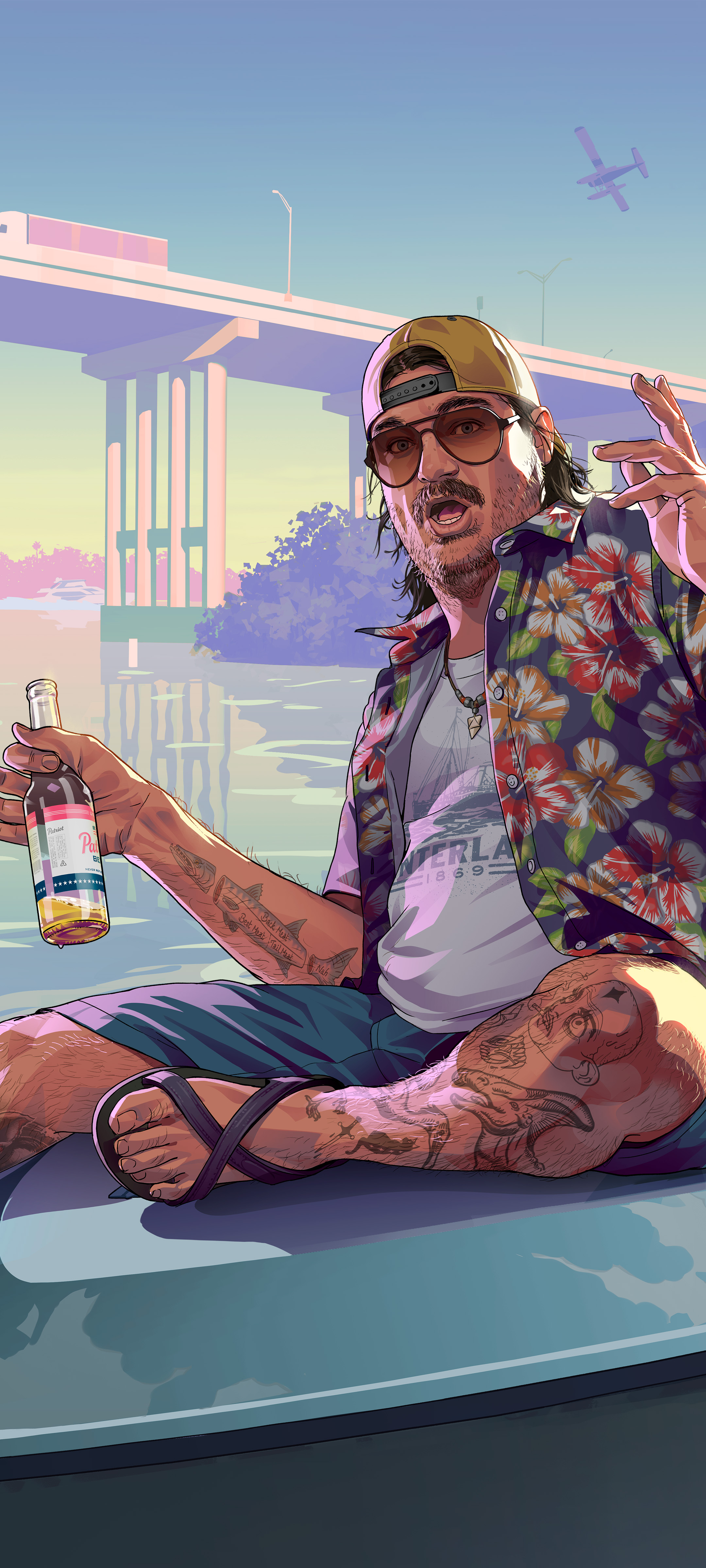
Cal Hampton
Rockstar writes that Cal “feels safest hanging at home, snooping on Coast Guard comms with a few beers and some private browser tabs open”. On his wallpaper, he is outdoors: Hawaiian shirt, beer in hand, a bridge behind him.
Download JPG, 2160 x 4800, 1.7 MB See it on Rockstar
GTA 6 © Rockstar Games · wallpaper published by Rockstar on rockstargames.com/VI
-
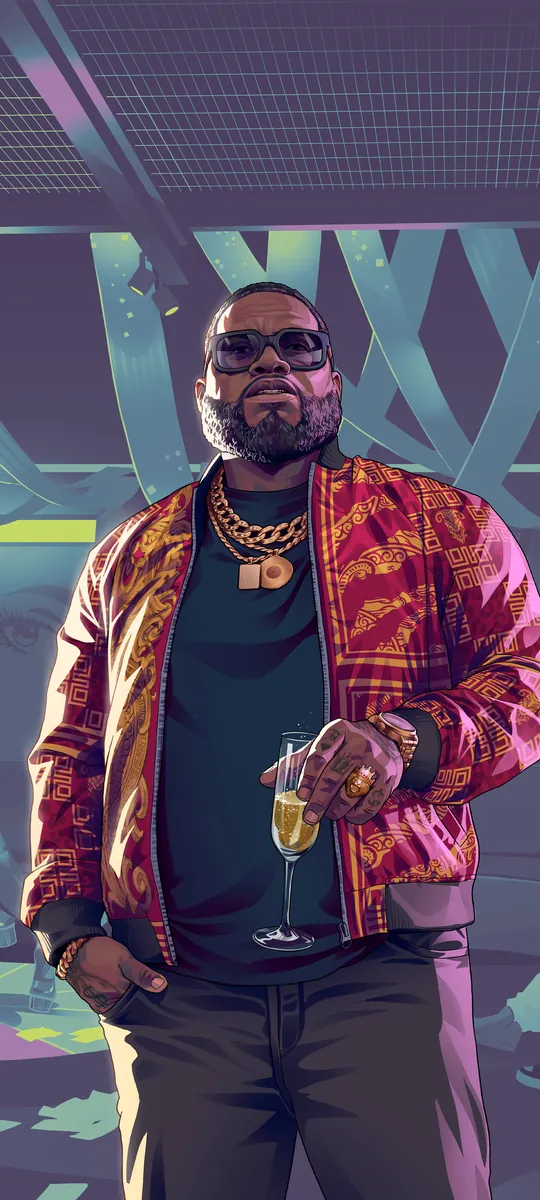
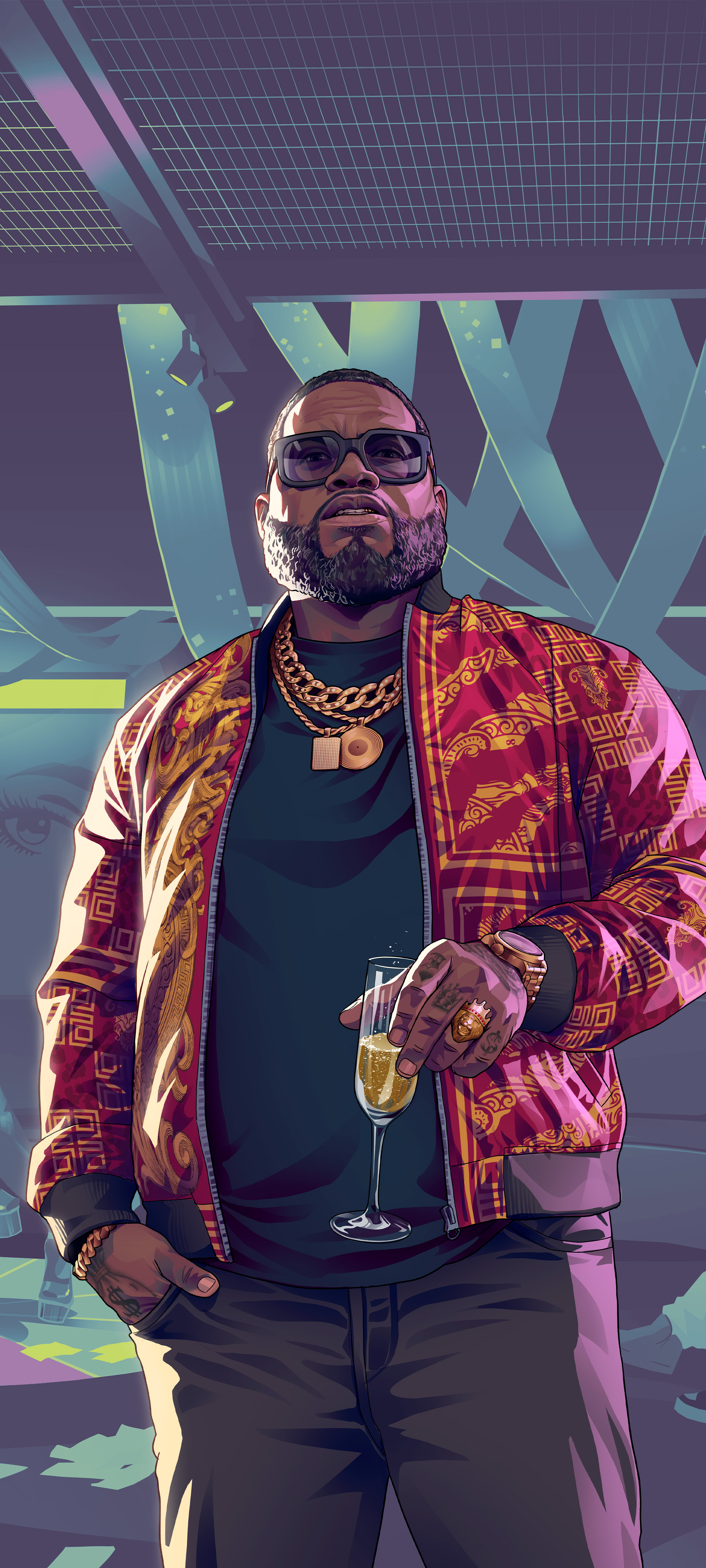
Boobie Ike
Rockstar calls Boobie “a local Vice City legend” and says he acts like it. It shows: patterned jacket, gold chains, champagne flute in hand.
Download JPG, 2160 x 4800, 1.9 MB See it on Rockstar
GTA 6 © Rockstar Games · wallpaper published by Rockstar on rockstargames.com/VI
-
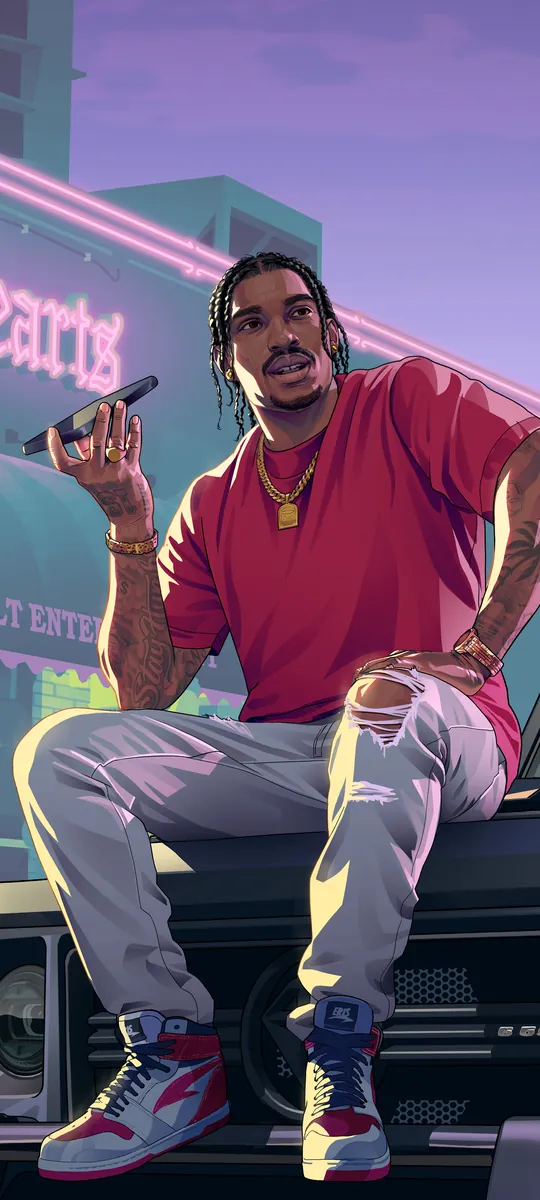
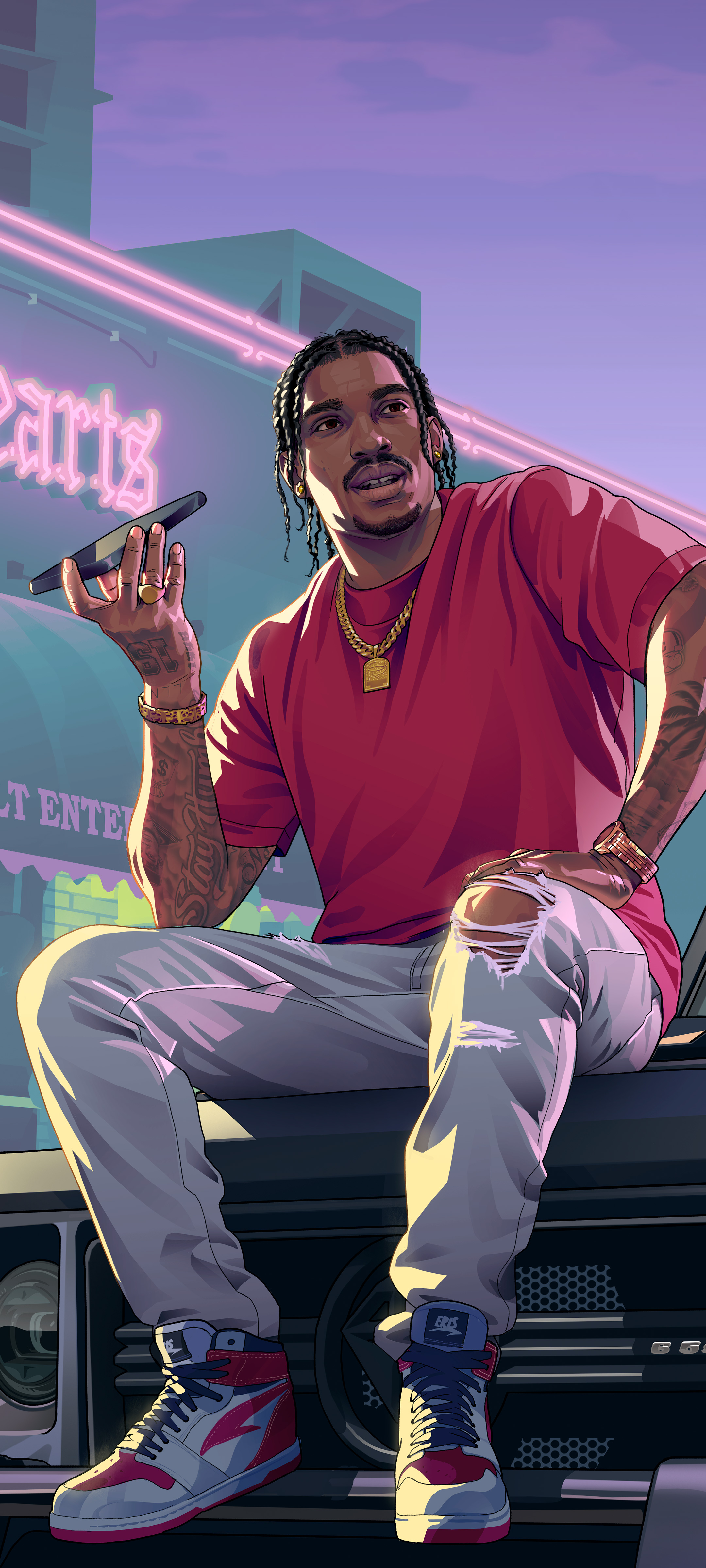
Dre'Quan Priest
Phone in hand, Dre'Quan sits on the front of a car, a neon sign behind him. Rockstar sums him up this way: “Dre'Quan was always more of a hustler than a gangster.”
Download JPG, 2160 x 4800, 1.7 MB See it on Rockstar
GTA 6 © Rockstar Games · wallpaper published by Rockstar on rockstargames.com/VI
-
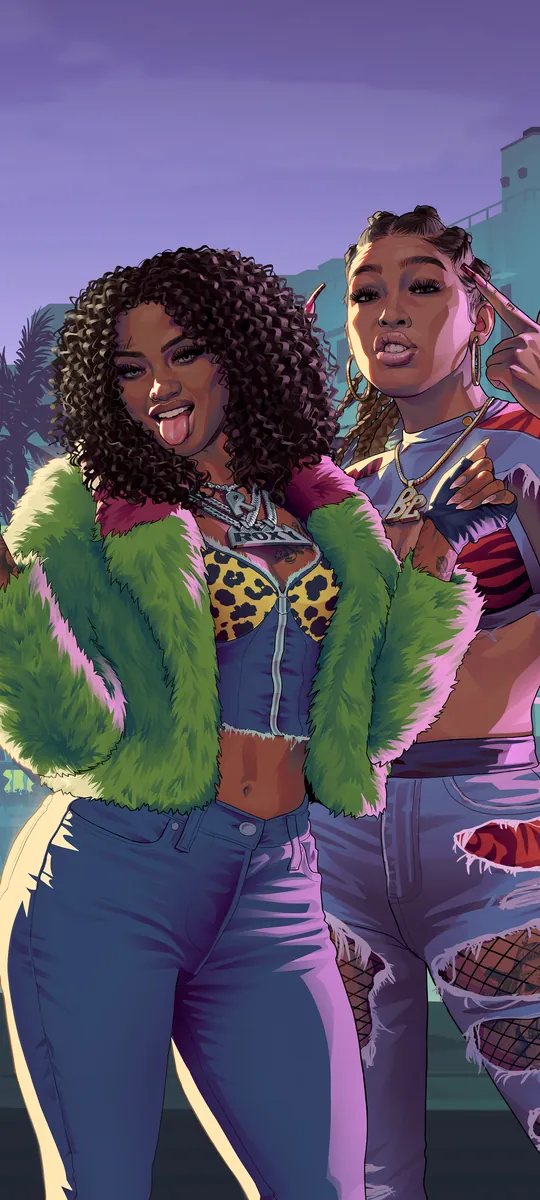
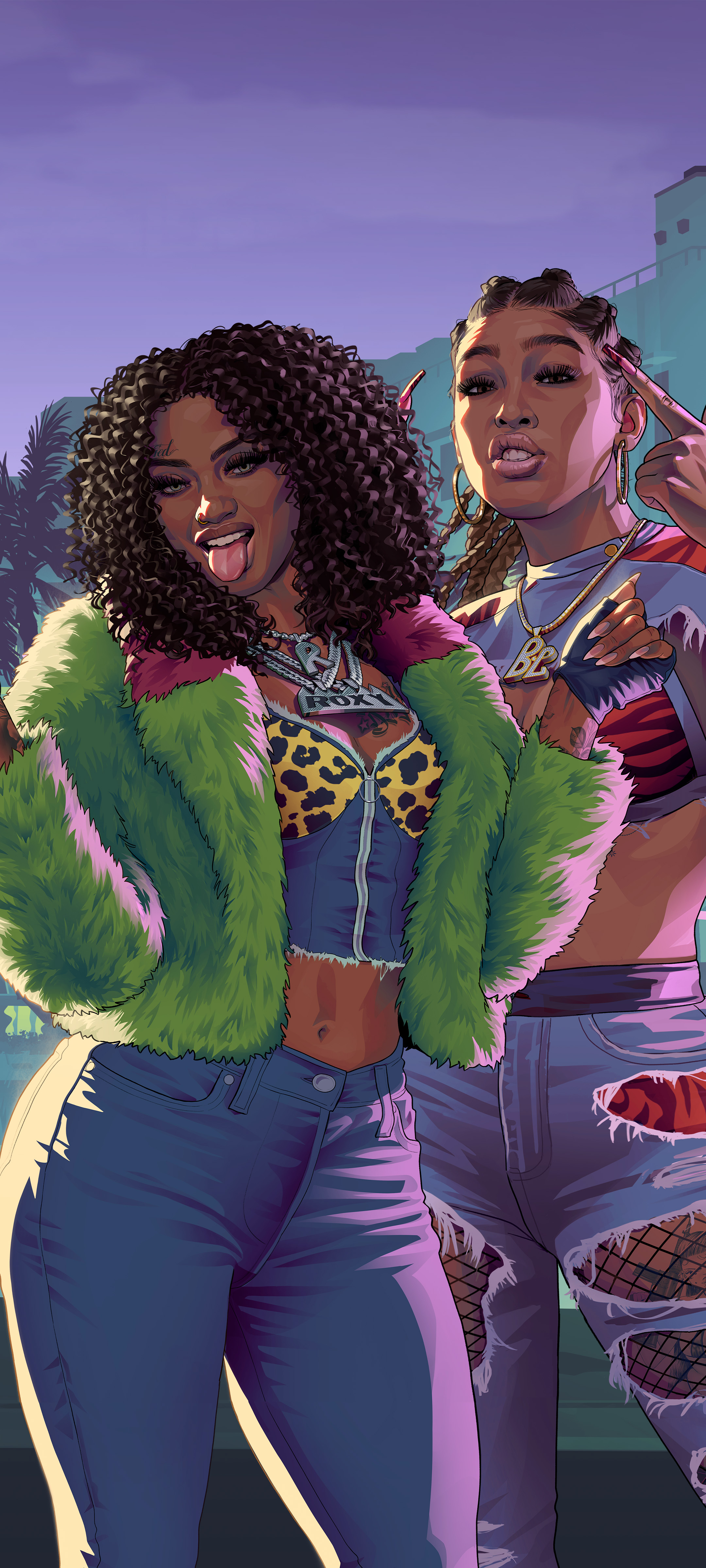
Real Dimez
Bae-Luxe and Roxy have been friends since high school, and Rockstar introduces them in four words: “Viral videos. Viral hooks.” Roxy is the one in green faux fur, her name on her pendant.
Download JPG, 2160 x 4800, 1.9 MB See it on Rockstar
GTA 6 © Rockstar Games · wallpaper published by Rockstar on rockstargames.com/VI
-
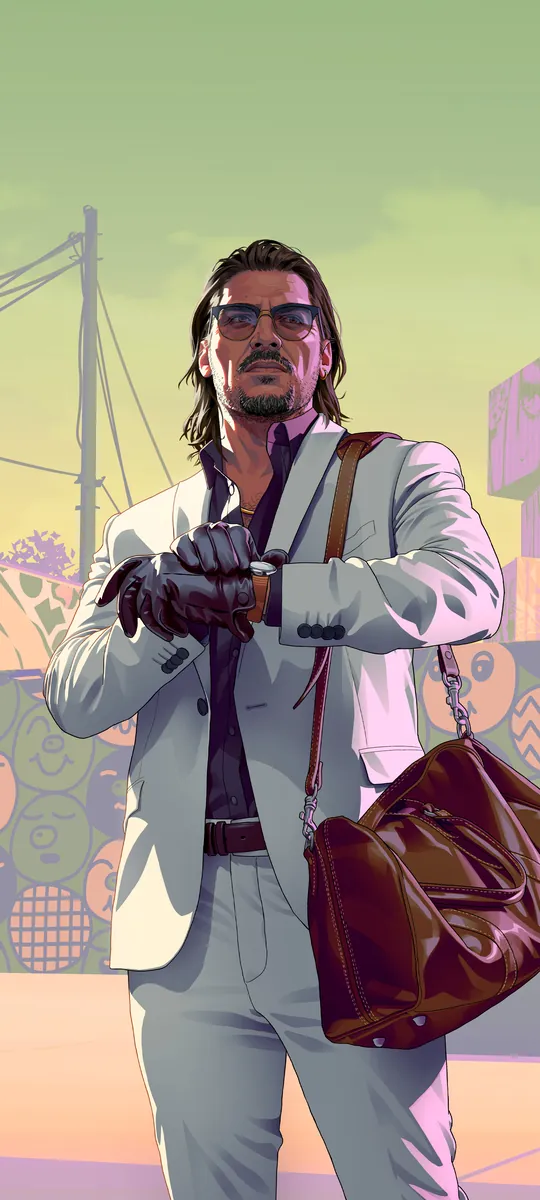
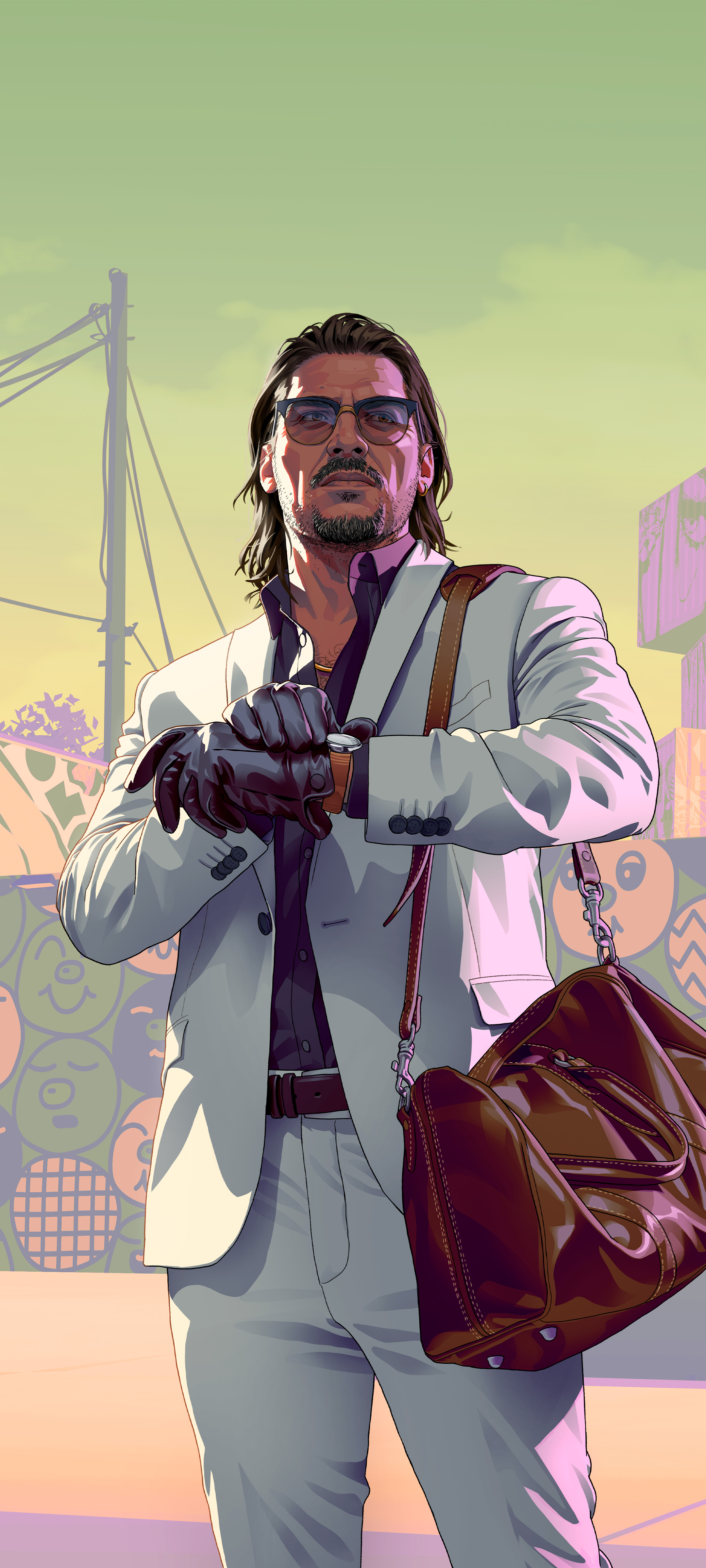
Raul Bautista
Light suit, sports bag over his shoulder, Raul adjusts his leather gloves. Rockstar sees him as “a seasoned bank robber” always on the hunt for talent, under a two-word tagline: “Experience counts.”
Download JPG, 2160 x 4800, 1.4 MB See it on Rockstar
GTA 6 © Rockstar Games · wallpaper published by Rockstar on rockstargames.com/VI
-
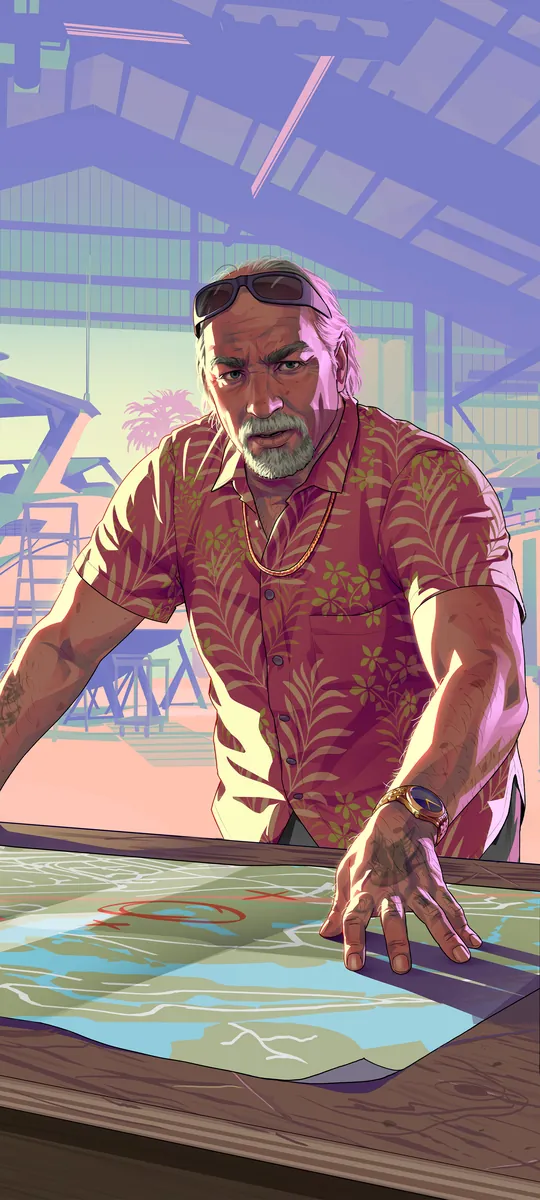
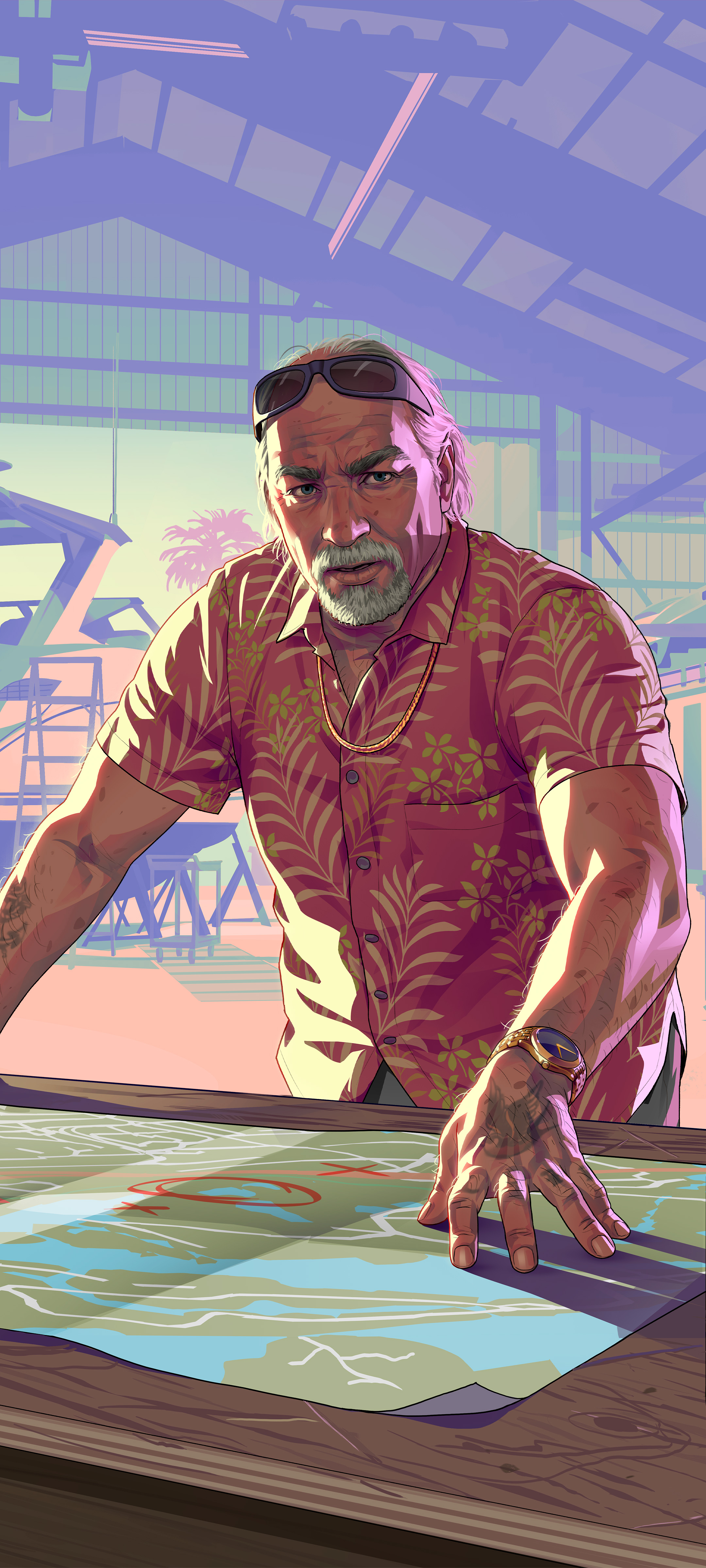
Brian Heder
Brian leans over a chart marked in red, sunglasses pushed up on his head. In Rockstar's words, he is “a classic drug runner from the golden age of smuggling in the Keys”.
Download JPG, 2160 x 4800, 2.1 MB See it on Rockstar
GTA 6 © Rockstar Games · wallpaper published by Rockstar on rockstargames.com/VI
The postcards from Leonida
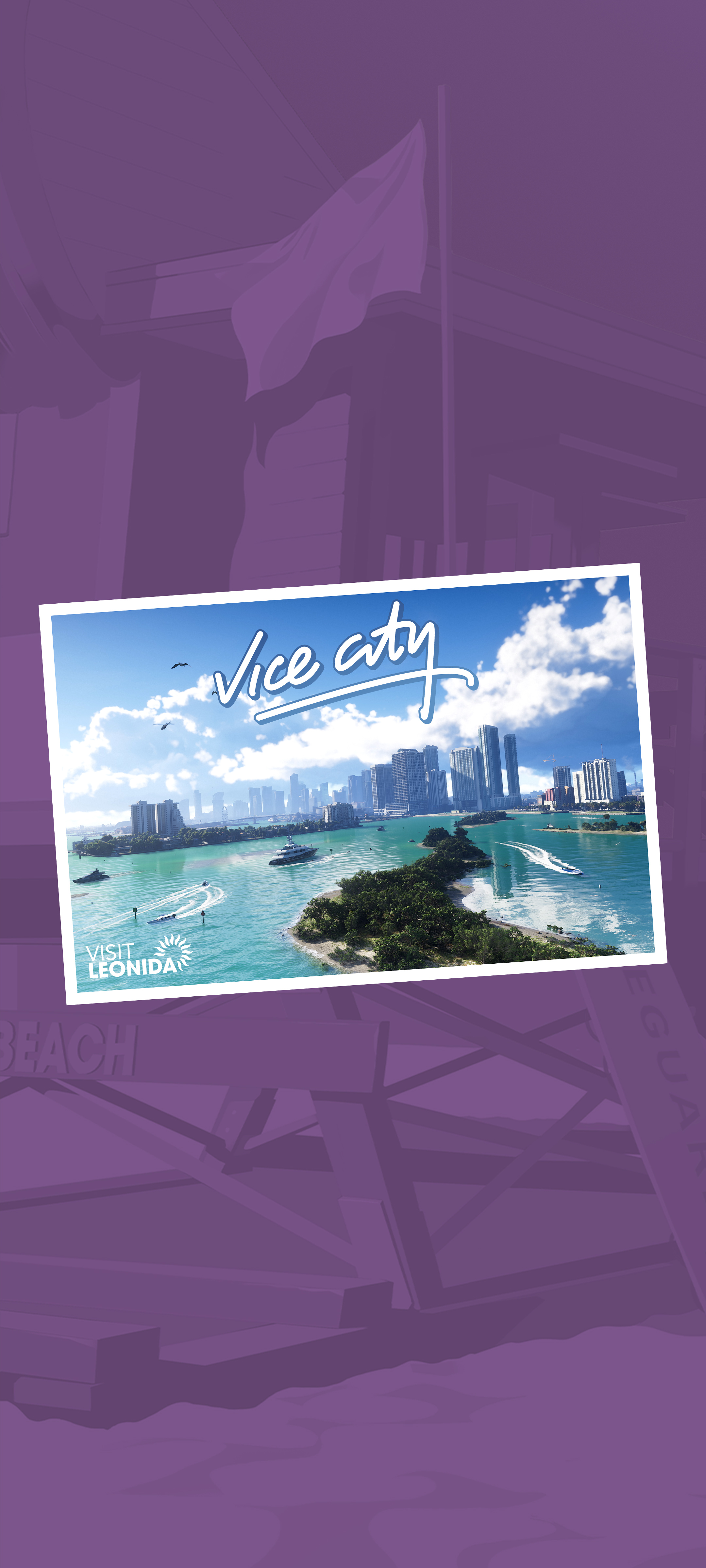
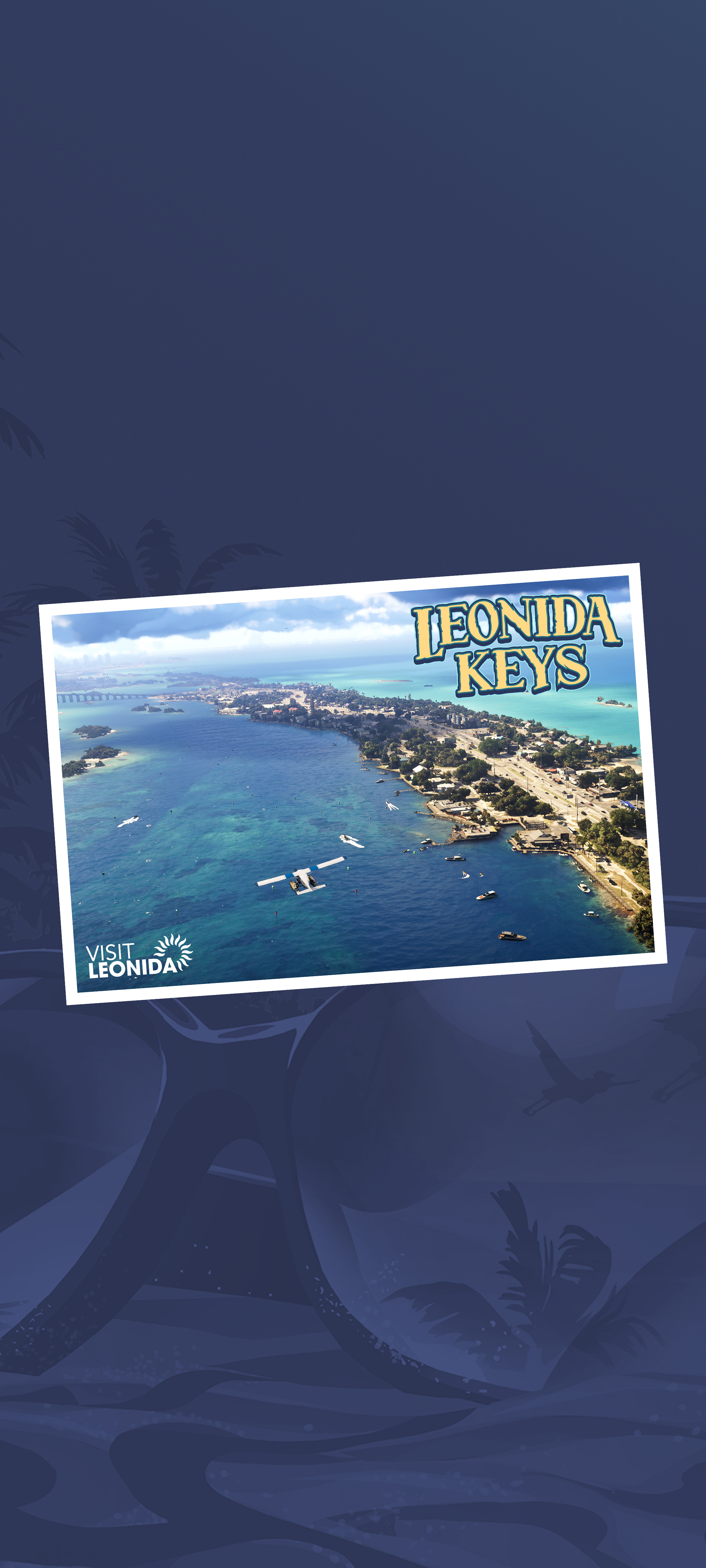
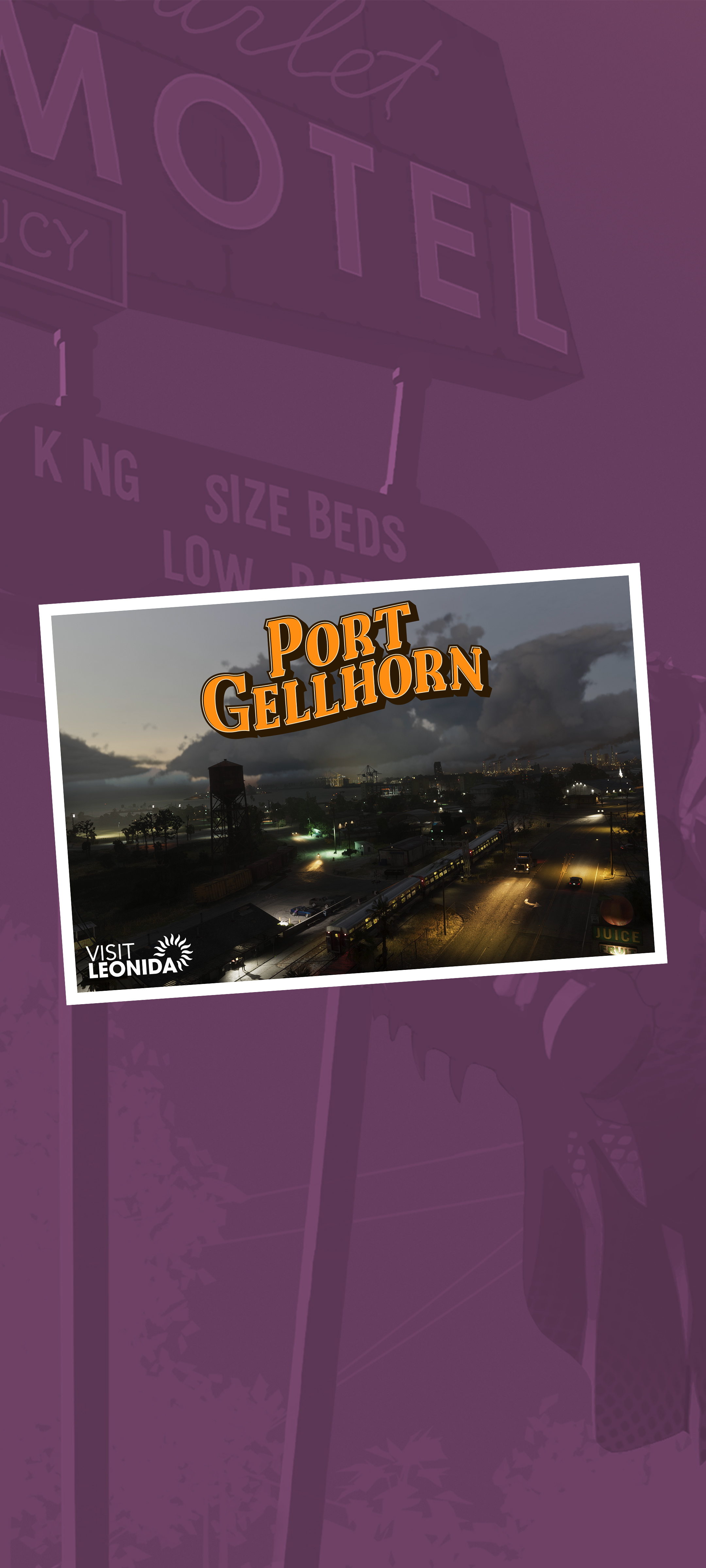
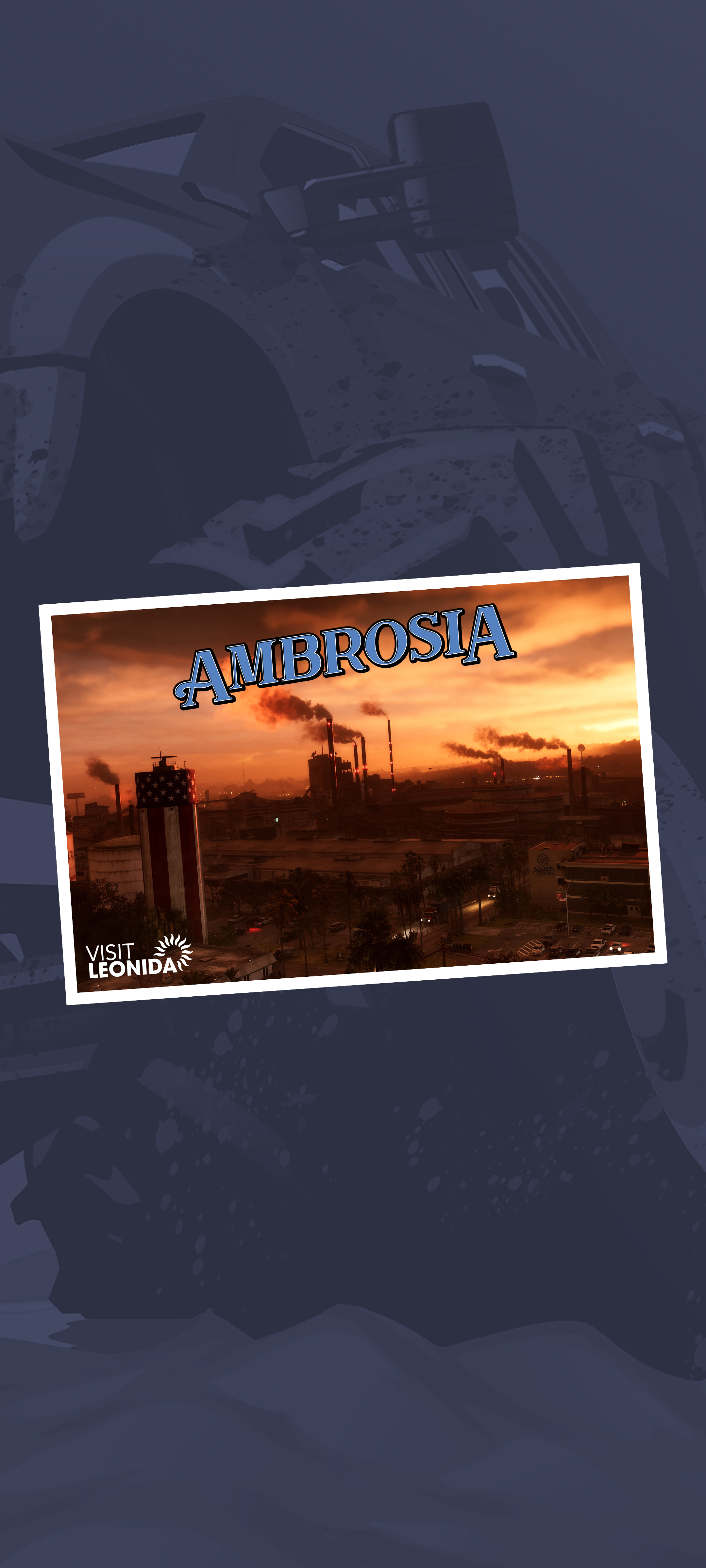
Six “Visit Leonida” postcards, one for each region of the map, each with the place name in big letters. Rockstar sets them on a single-color drawing that fills the rest of the screen: a lifeguard tower behind Vice City, an eagle in a park ranger's uniform behind Mount Kalaga. Our descriptions of the places go by what Rockstar's trailers show.
-
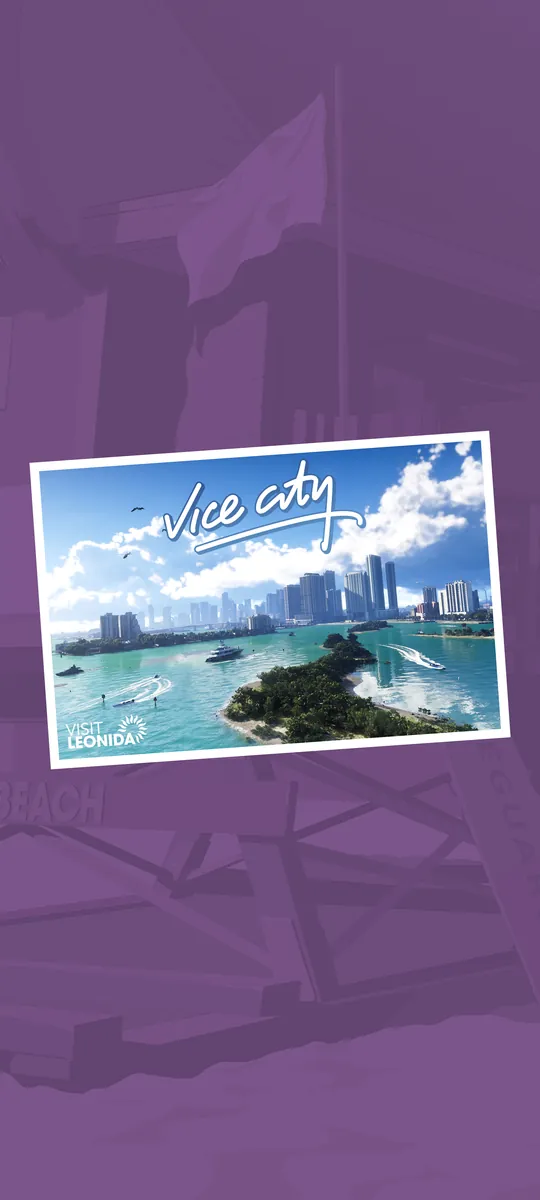
Vice City Postcard
Vice City, the main metropolis of the state of Leonida, seen from above: a wooded island in the foreground, the towers at the back, and between them turquoise water crossed by boats.
Download JPG, 2160 x 4800, 1.6 MB See it on Rockstar
GTA 6 © Rockstar Games · wallpaper published by Rockstar on rockstargames.com/VI
-
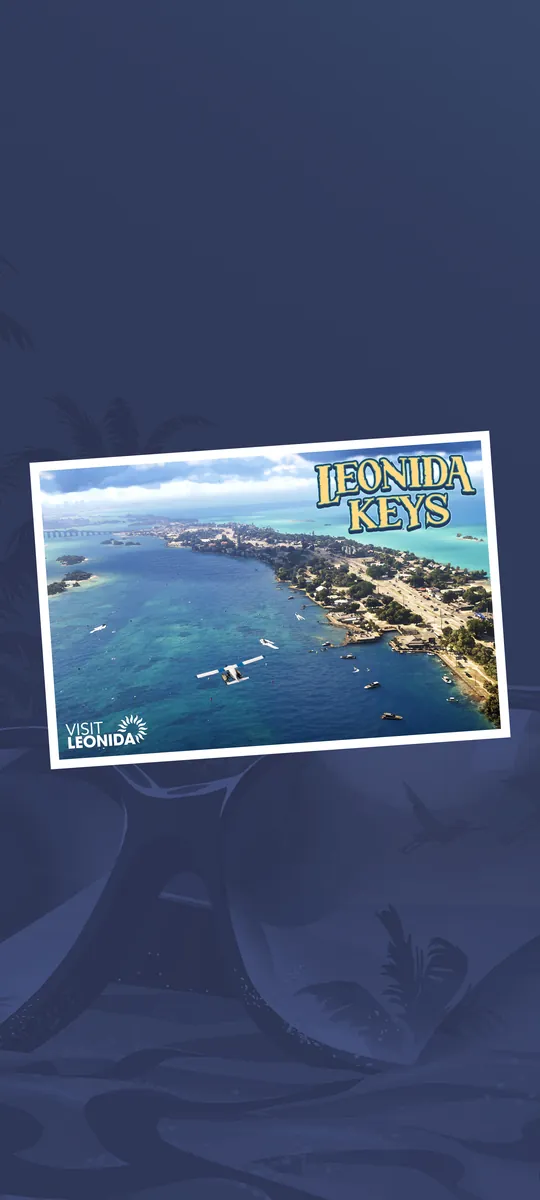
Leonida Keys Postcard
The archipelago in the south of the state. On the postcard, a seaplane flies over the islands and the road along the coast.
Download JPG, 2160 x 4800, 2.1 MB See it on Rockstar
GTA 6 © Rockstar Games · wallpaper published by Rockstar on rockstargames.com/VI
-
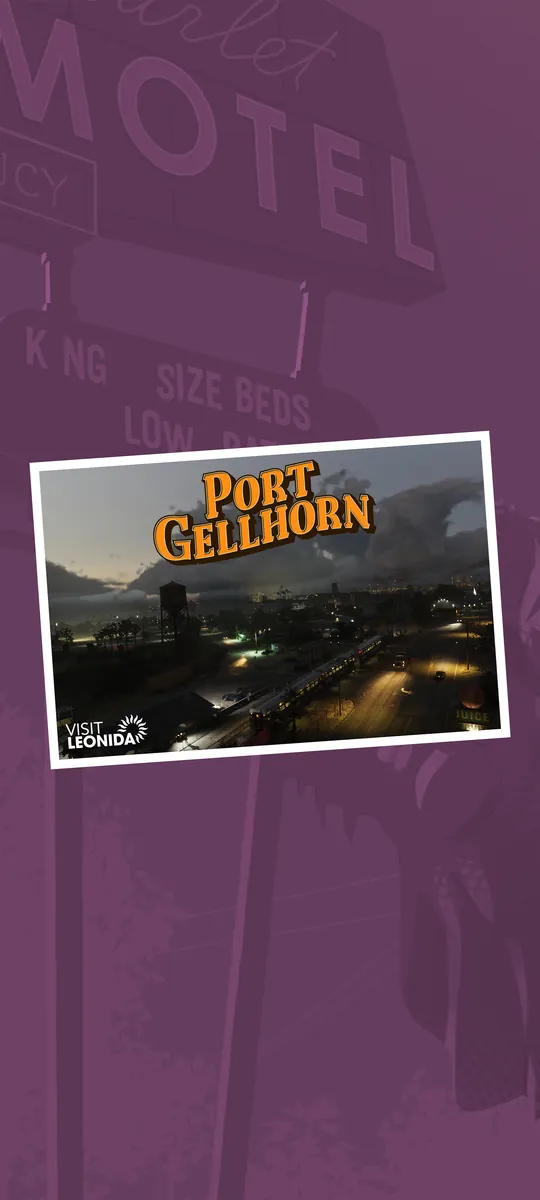
Port Gellhorn Postcard
Port Gellhorn at dusk, streetlights on: a port and industrial area, going by the trailers. Behind the postcard, a motel sign advertises king-size beds.
Download JPG, 2160 x 4800, 1.6 MB See it on Rockstar
GTA 6 © Rockstar Games · wallpaper published by Rockstar on rockstargames.com/VI
-
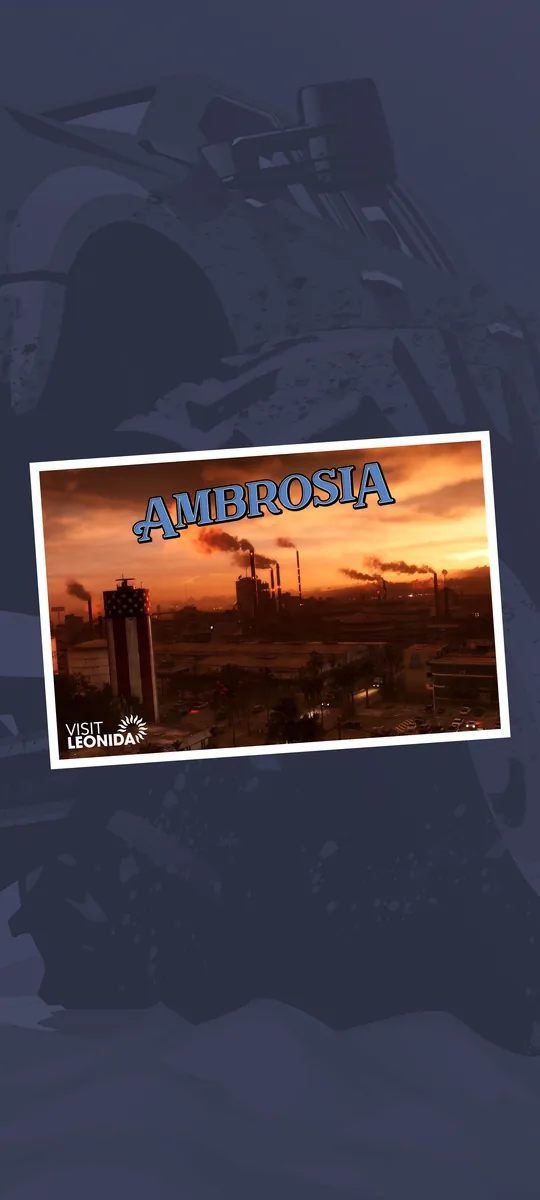
Ambrosia Postcard
Factory smokestacks send smoke into an orange sky, next to a tower painted in the stars and stripes: Ambrosia, an industrial region in the center of the state.
Download JPG, 2160 x 4800, 1.6 MB See it on Rockstar
GTA 6 © Rockstar Games · wallpaper published by Rockstar on rockstargames.com/VI
-
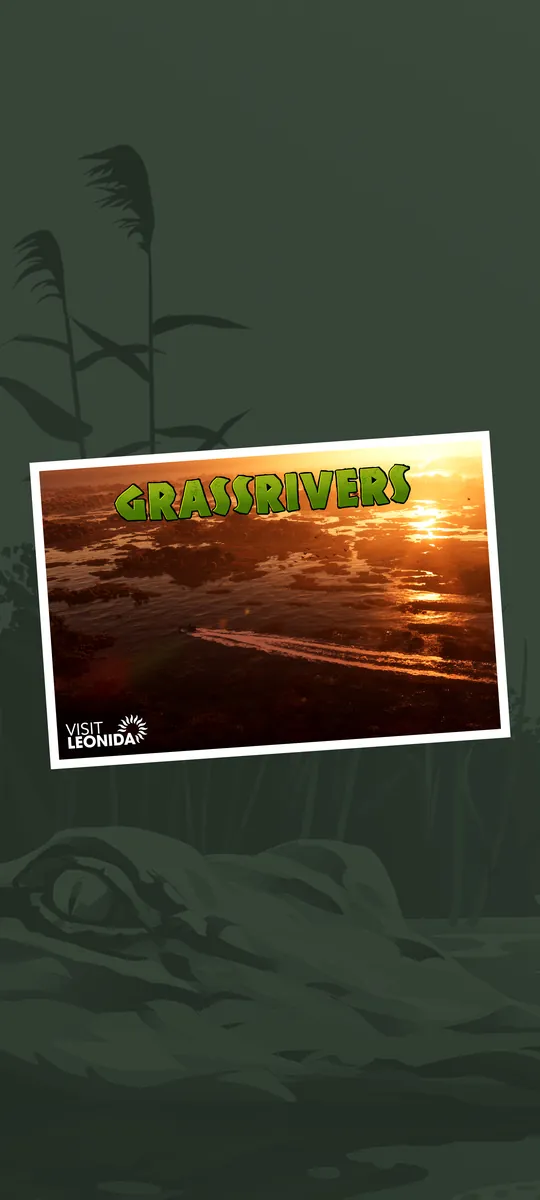
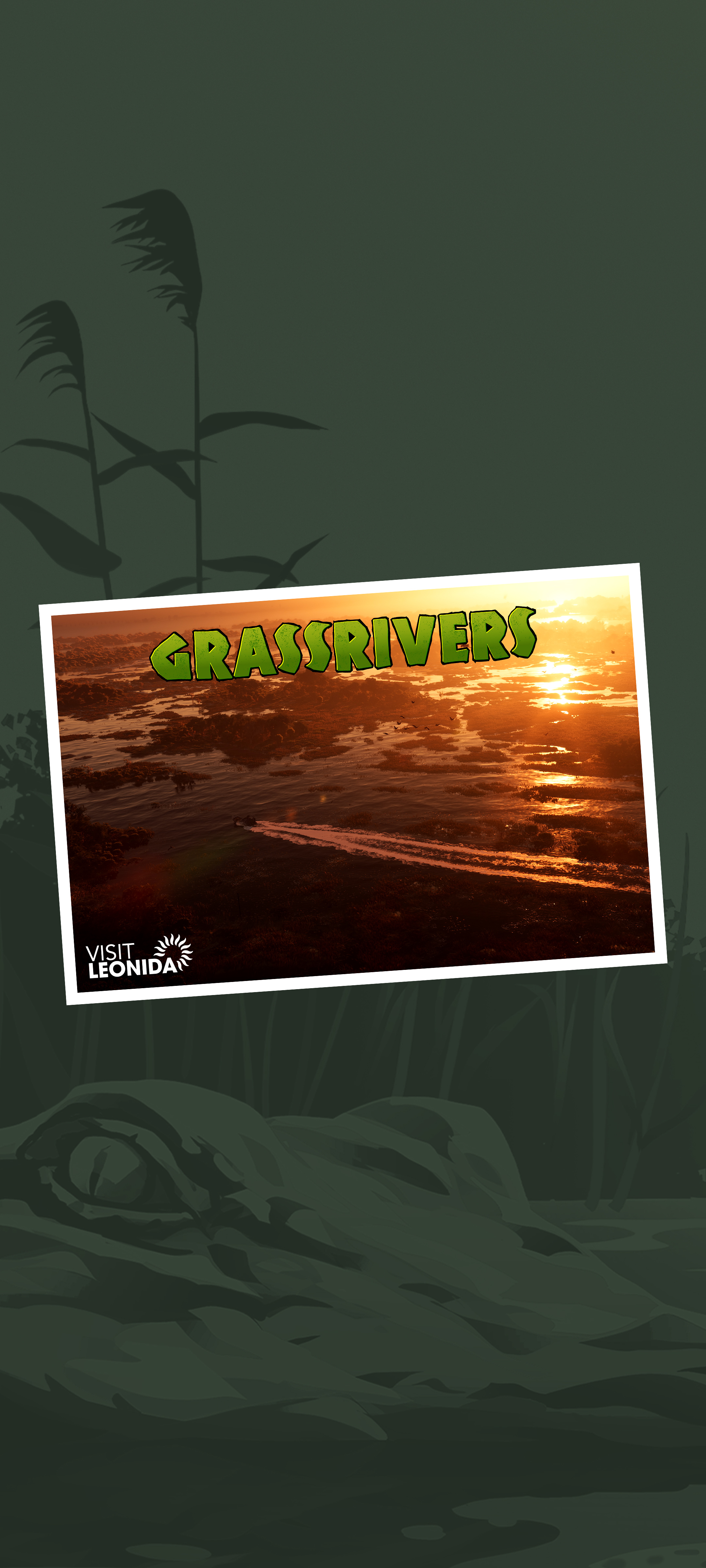
Grassrivers Postcard
Marshes and waterways in the west of the state. A boat leaves a long wake across them at sunset, and around the postcard Rockstar drew reeds and an alligator.
Download JPG, 2160 x 4800, 2.0 MB See it on Rockstar
GTA 6 © Rockstar Games · wallpaper published by Rockstar on rockstargames.com/VI
-
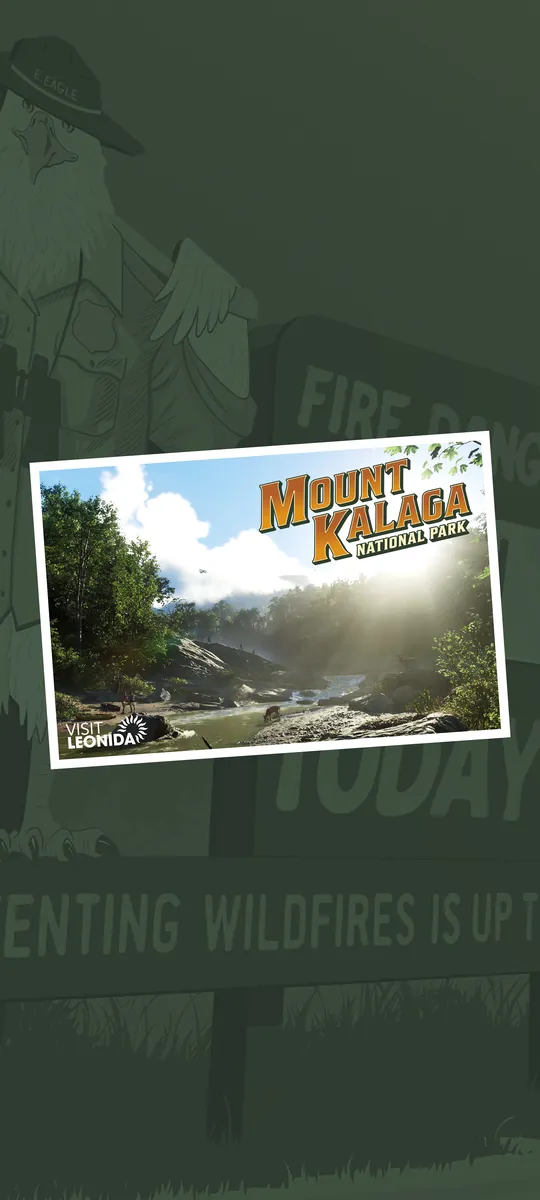
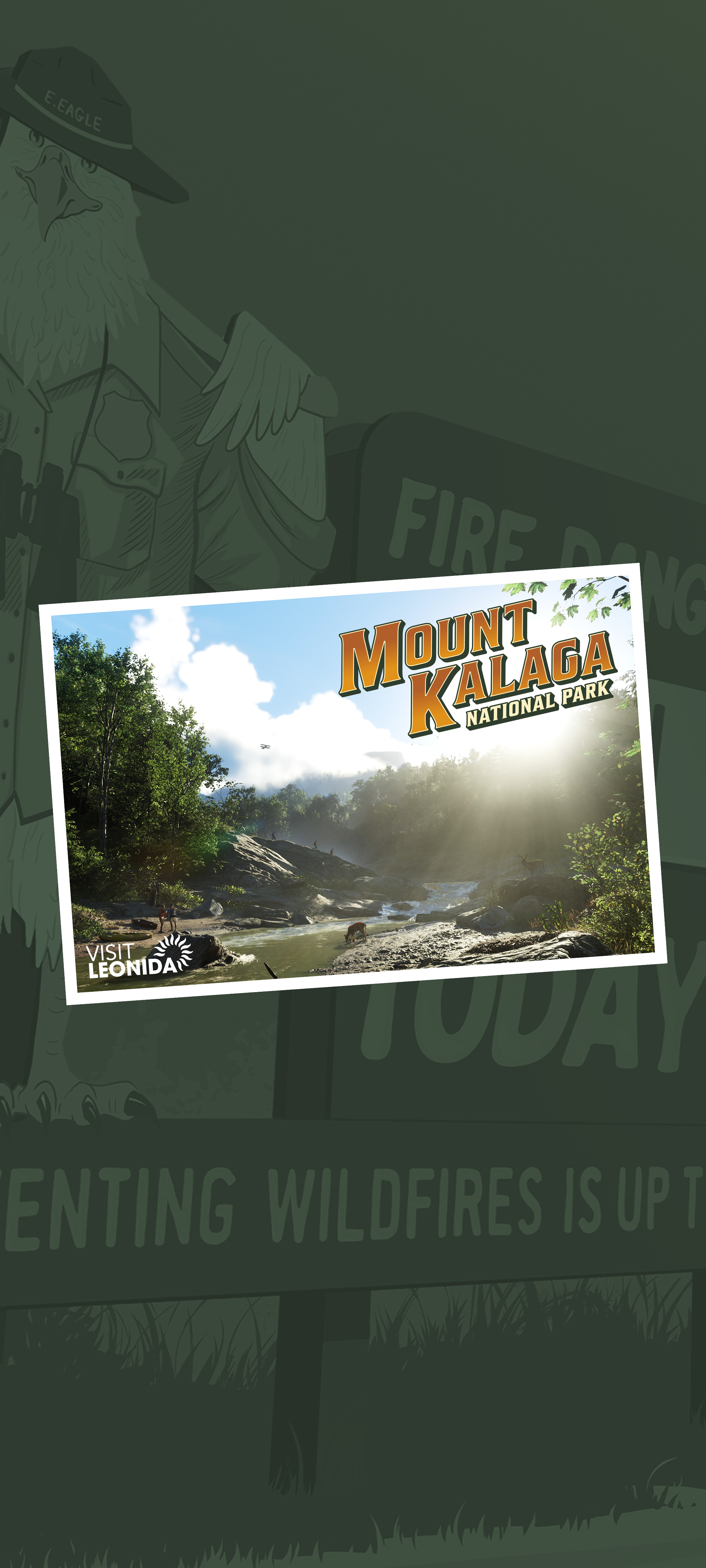
Mount Kalaga National Park Postcard
A forested massif in the backcountry, going by the trailers. On the postcard, sunbeams cut through the trees down to a river.
Download JPG, 2160 x 4800, 2.0 MB See it on Rockstar
GTA 6 © Rockstar Games · wallpaper published by Rockstar on rockstargames.com/VI
Setting up a wallpaper
Menu labels change with the phone model and the software version. The ones below come from the help pages of Apple, Google and Samsung, read on November 14, 2026; “Save Image” is the label of the iOS share sheet. iPhone, Safari and Files are trademarks of Apple Inc.; Pixel, Android and Google are trademarks of Google LLC; Samsung and Galaxy are trademarks of Samsung Electronics Co., Ltd. This site is not affiliated with any of these companies.
On iPhone
The downloaded file lands in the Files app. To use it as a wallpaper, save it to Photos first.
- In Safari, tap under the wallpaper you want. A Downloads button then appears next to the search field.
- Open the Files app, then the folder (in iCloud Drive, according to Apple), then the image.
- Tap , then . The image goes to Photos.
- Open Settings, then , and .
- Pick the image, then tap .
- Tap to use the same image on the Lock Screen and the Home Screen, or .
Apple help pages: Change your iPhone wallpaper and Where to find downloads on your iPhone or iPad.
On Pixel
- Tap under the wallpaper you want.
- Touch and hold an empty area of the Home screen.
- Tap (to use your own photo, ), then .
- To adjust the two screens separately, choose or , then .
- Select the image, tap , then .
Google help page: Change wallpaper on your Pixel phone.
On Samsung
- Tap under the wallpaper you want.
- Open the Gallery app, then the image.
- Tap the icon, then .
- Choose the Home screen, the Lock screen or both.
Samsung's US help page gives another route (touch and hold a Home screen, then Wallpaper and style, Change wallpapers and Gallery). Samsung also advises against cropping the picture beforehand: the page says the picture is cropped to fit the screen.
Samsung help page: Set photos or videos as wallpaper on a Galaxy phone or tablet.
Other formats
Rockstar also publishes these images in other formats (landscape, tablet, ultrawide…) on its “Artwork & Wallpapers” page, where a “Download All” button gives you a zip file. Here, we only serve the phone format.
On November 14, 2026, the page lists 27 images. Seven have no phone version: the six “with logos” versions and The Album artwork. In return, “Jason and Lucia 02” comes in two phone versions, hence 21 files for 20 images.
See every format on Rockstar's site or open the downloads page.
Where these files come from
Rockstar Games published these 21 files on rockstargames.com/VI. We serve them untouched: the JPEG files you download are the originals, byte for byte, and the previews on screen are reduced copies. GTA 6 © Rockstar Games. These files are offered as phone wallpapers, for personal use. Any other use (publishing, printing, selling, commercial use) requires the permission of Rockstar Games or its rights holders: we grant no license, and the rights stay with Rockstar Games and its rights holders. achetergta6.fr is a fan site, not affiliated with Rockstar Games or Take-Two. If you hold the rights to one of these files and want it removed, write to contact@achetergta6.fr and we will take it down on request. The legal notice completes this note.