The six icons under your stars
According to IGN, Game8 and Journal du Geek, the police can know six things about you, shown as red icons in the top-right corner under your wanted level: your appearance, your vehicle, your outfit, the weapon in your hand, the fact that you are a pair, and CCTV footage.
According to IGN, if the cops spot you after you have cleared only some of the icons, you will likely have to clear appearance and outfit all over again.
How to clear each icon
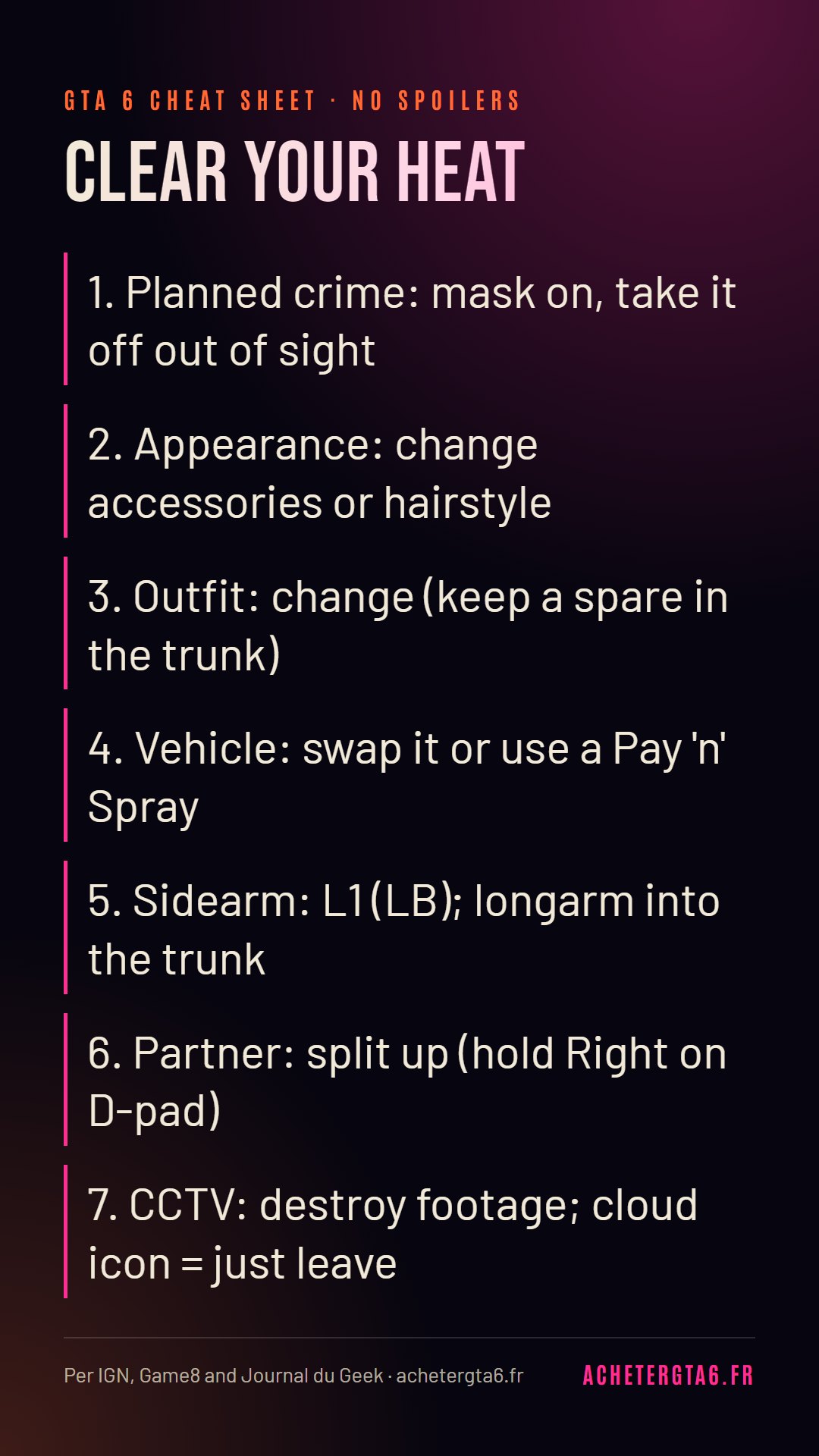
- Appearance: for a planned crime, put a mask on first and take it off out of sight, say IGN and Journal du Geek. If the icon is already there, change accessories (sunglasses, a hat) or your hairstyle, according to IGN and Game8.
- Vehicle: switch cars or get yours resprayed at a Pay 'n' Spray, according to IGN, Game8 and Journal du Geek. Journal du Geek adds that Pay 'n' Spray refuses some vehicles because of their tracker.
- Outfit: change clothes. IGN adds that you can steal a temporary outfit from a clothing store after threatening the clerk.
- Visible weapon: holster your sidearm, with L1 (LB on Xbox) according to IGN. Longarms (rifles, shotguns, SMGs) cannot be hidden: stash them in your trunk or drop them, according to IGN, Game8 and Journal du Geek.
- Partner: the cops are looking for a pair. Split Jason and Lucia up (see below).
- CCTV: the camera icon means footage is stored on site and can be destroyed; the cloud icon means it is stored in the cloud and cannot be erased, according to IGN, Game8 and Journal du Geek. All you can do is leave. IGN names banks as the most common place to see the cloud.
Keep a spare outfit in the trunk
IGN, Game8 and Journal du Geek all suggest keeping an outfit in your personal vehicle's trunk. Here is how, according to IGN:
- At a wardrobe (safehouse or clothing store), open the Outfits tab.
- Press Square (X on Xbox) to add an outfit to your car's trunk.
- Later, in the car, open the weapon wheel and press R1 (RB on Xbox).
- Cycle outfits on the clothes hanger icon in the bottom right, and confirm with Cross (A on Xbox).
IGN recommends changing clothes and stowing your gun before you ditch the car that was spotted.
Jason and Lucia together: the partner icon
If you were seen together, split up. According to IGN, hold Right on the D-pad and press Triangle (Y on Xbox); Game8 only mentions holding Right, which opens the pair's quick menu. Follow the on-screen prompt. IGN mentions another option: switch to the other character and change what the police know about them, such as their outfit. Our switch characters page, based on GamesRadar+, lists splitting up among this menu's options and keeps Triangle (Y) for calling your partner over: outlets disagree.
Careful: if either of them gets caught while you are split up, you are still Busted, according to Game8 and, before launch, GamesRadar+.
Spot the cops with Focus
Cops do not show on the minimap during a chase, Rockstar North co-studio head Rob Nelson explained before launch (quoted by GamesRadar+): "they show up when you use Focus". After launch, IGN confirms that in Focus (L3 + R3, both sticks pressed) police officers glow blue, and sound ripples show the cars, dogs and helicopters searching for you, as well as witnesses.
Our sources
IGN, "Wanted Guide - How to Escape the Cops and Clear Heat", Casey DeFreitas and the IGN guide team, updated November 19, 2026 (Rockstar calls this guide official in its Rockstar Newswire post of November 19, 2026: "be sure to check out IGN's Official Grand Theft Auto VI Guide"); IGN, "Beginner's Guide - 67 Tips and Tricks"; IGN, "How Focus Works"; Game8, "How to Lose Cops, Heat, and Remove Wanted Levels", November 18, 2026; Journal du Geek, "GTA 6 : comment échapper à la police rapidement ?", Robin Sabbadini, November 18, 2026 (in French); GamesRadar+, "GTA 6 Wanted Levels and Heat system explained", Iain Wilson, written before launch. All read on November 19, 2026.