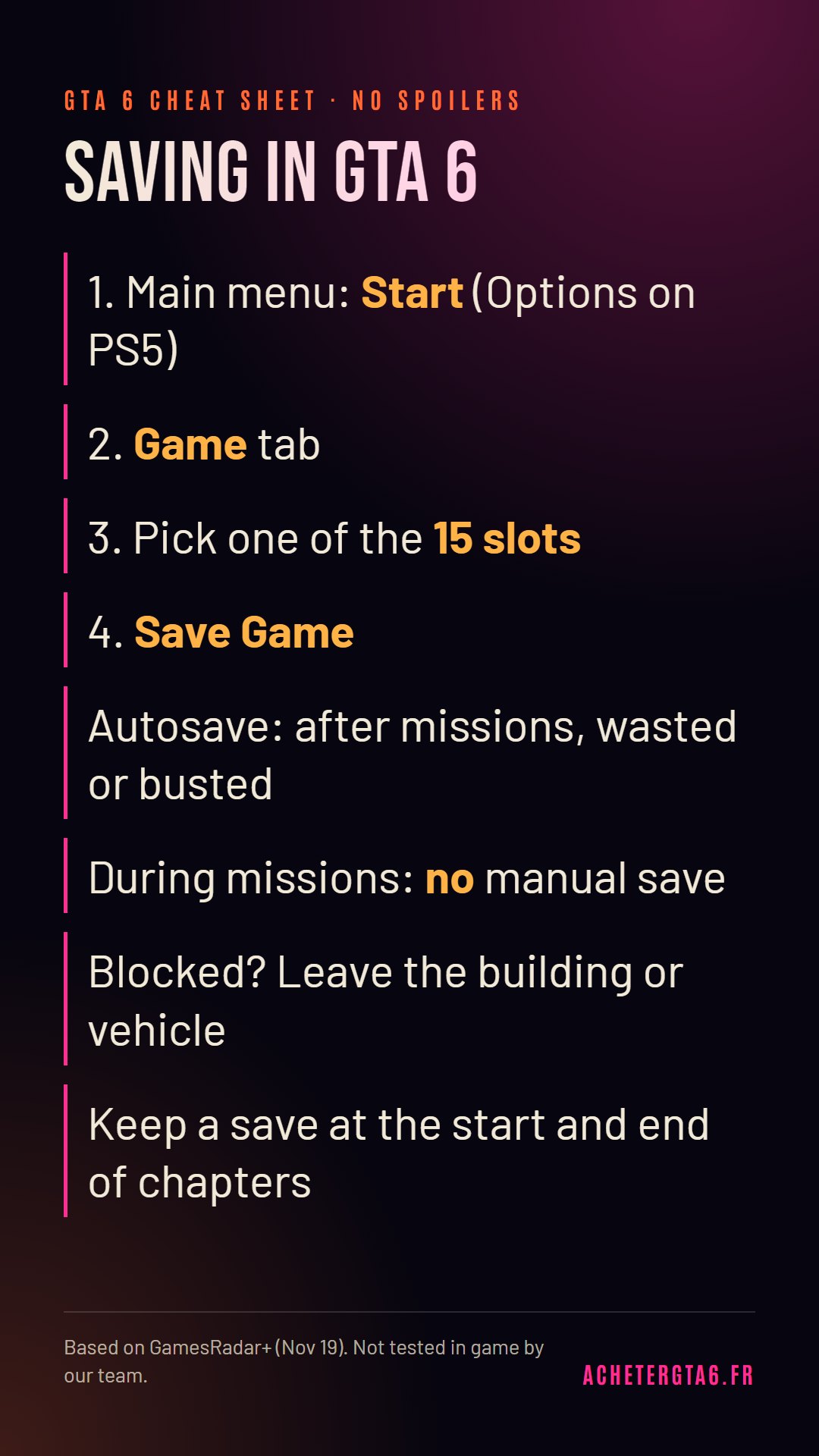
How to save, step by step
- Open the main menu with Start (on a PS5 controller, the Options button, by our reading; GamesRadar+ does not specify).
- Select the Game tab.
- Pick the slot you want.
- Choose Save Game.
According to GamesRadar+, you can overwrite any of the 15 slots or load any of them.
How autosave works
A sixteenth, separate slot is reserved for the autosave. According to GamesRadar+, it triggers after a mission, when you are wasted or busted, or after a major open-world encounter.
Why GTA 6 won't let you save
Manual saving is disabled during missions. You rely on the autosave instead, and you can restart a mission from the beginning or from a checkpoint through the menu. In free roam, if saving fails, GamesRadar+ says Jason or Lucia may have just finished a phone call or an objective: leave the building or vehicle and try again.
A cheat also blocks saving until you quit the game. Reload a save made before the cheat afterwards. Details on our GTA 6 cheat codes page.
How to use your 15 slots
Missions cannot be replayed, according to GamesRadar+, which counts close to 100 missions. The outlet suggests keeping one slot at the start and one at the end of each major chapter, so you can go back.
Our source
GamesRadar+, "Here's how to save your game in GTA 6", Josh West, read on November 19, 2026. We will add our own findings after checking in game on PS5.