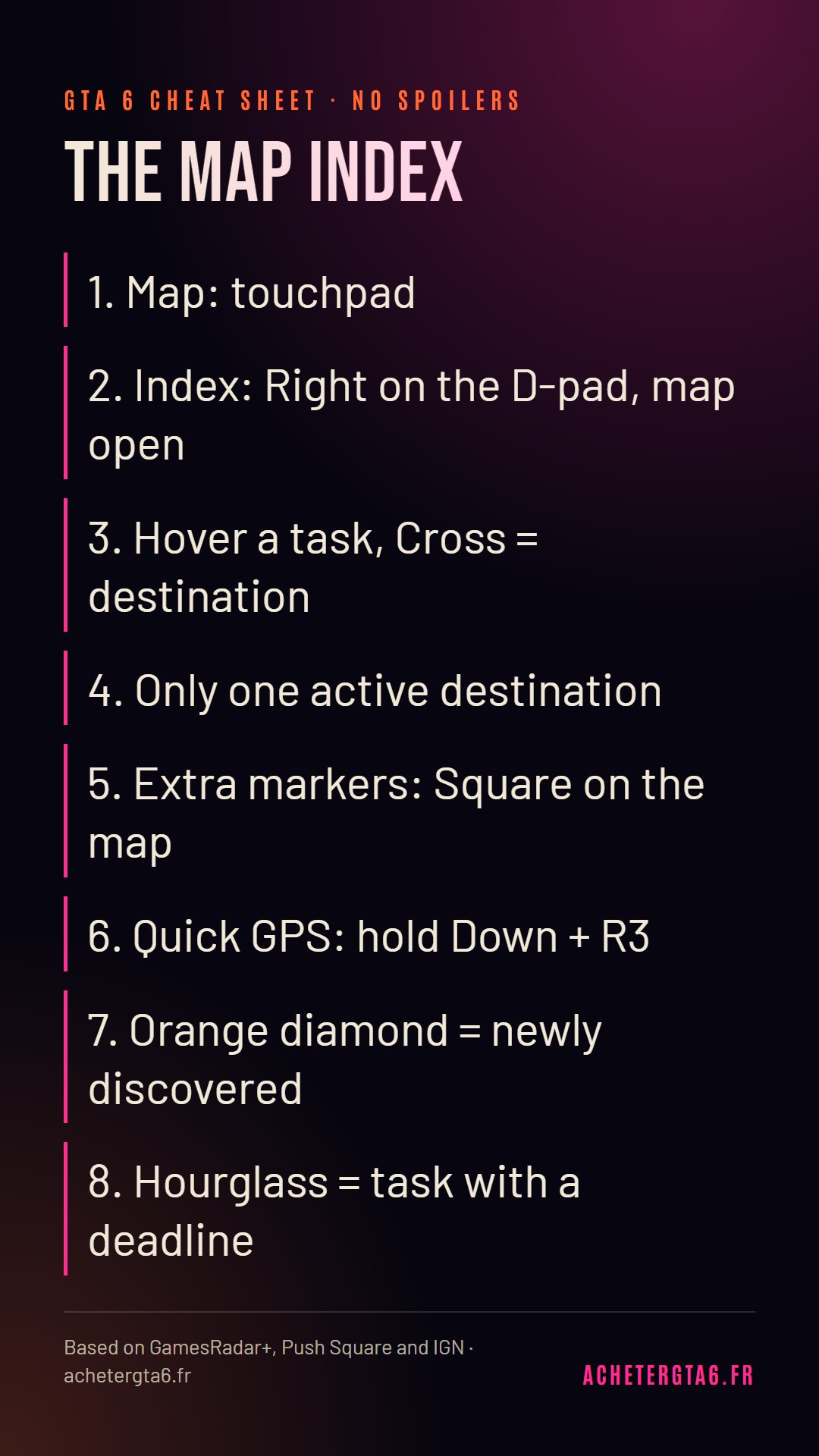
Opening the map and the index
According to GamesRadar+, the touchpad opens the map wherever you are. It shows the activities, shops, missions and opportunities you have discovered. Right on the D-pad then opens the index, the bar of tabs along the side of the screen; Push Square describes the same input. For opening the map and the index, both outlets only give PlayStation buttons. On Xbox, IGN lists the View button to open the map.
The index tabs
GamesRadar+ counts nine. In short:
- Personal: your vehicles, residence, garages and ATMs.
- Story: missions that move the story along, then optional ones under "Optional". Push Square confirms this order.
- Robberies: robbery opportunities you have discovered.
- Activities: races, shooting ranges, golf, hunting, fishing, gyms, clubs.
- Exploration: points of interest, optional quests, stunt jumps.
- Vehicles: mod shops, gas stations, transport hubs, garages.
- Weapons: Ammu-Nation stores.
- Style: clothes, tattoos, hair and makeup.
- Food: bars, cafes, convenience stores, fast food.
Setting a destination and dropping markers
Hover over a task, in the index or on the map, to read its description, then press Cross: it becomes your active destination (GamesRadar+, Push Square). GamesRadar+ adds three points:
- only one destination can be active at a time;
- you can drop several markers, though: with the map open, press Square on a location;
- anything newly discovered gets an orange diamond in the index.
Quick navigation, without the map
Hold Down on the D-pad: time slows and nearby places appear (shops, missions, points of interest). Point at one and press R3 (right stick click, on Xbox too according to IGN) to set the GPS. Four sources describe this input: GamesRadar+, Push Square, IGN and Kotaku. Kotaku uses it to find a gas station fast when the tank runs low.
The hourglass: a task you shouldn't let slip
According to IGN, a small hourglass on a task icon means a time condition: hover over it to see the deadline. Game8 confirms some missions are only available for a limited time.
Our sources
- Rockstar Games, Newswire, "Grand Theft Auto VI Now Available", November 19, 2026: Rockstar points to "IGN's Official Grand Theft Auto VI Guide".
- GamesRadar+, "How to find tasks, objectives, and useful locations in GTA 6", Josh West, read on November 19, 2026.
- Push Square, "GTA 6: Tips & Tricks You Need to Know", Sammy Barker, read on November 19, 2026.
- IGN, "Beginner's Guide - 67 Tips and Tricks", IGN guide, read on November 19, 2026.
- IGN, "Things You Can Do First", IGN guide, read on November 19, 2026.
- Kotaku, "32 Spoiler-Free Tips As You Hop Into Grand Theft Auto 6", Zack Zwiezen, read on November 19, 2026.
- Game8, "Romance Guide: All Relationship Levels", read on November 19, 2026.