The first choice: navigation
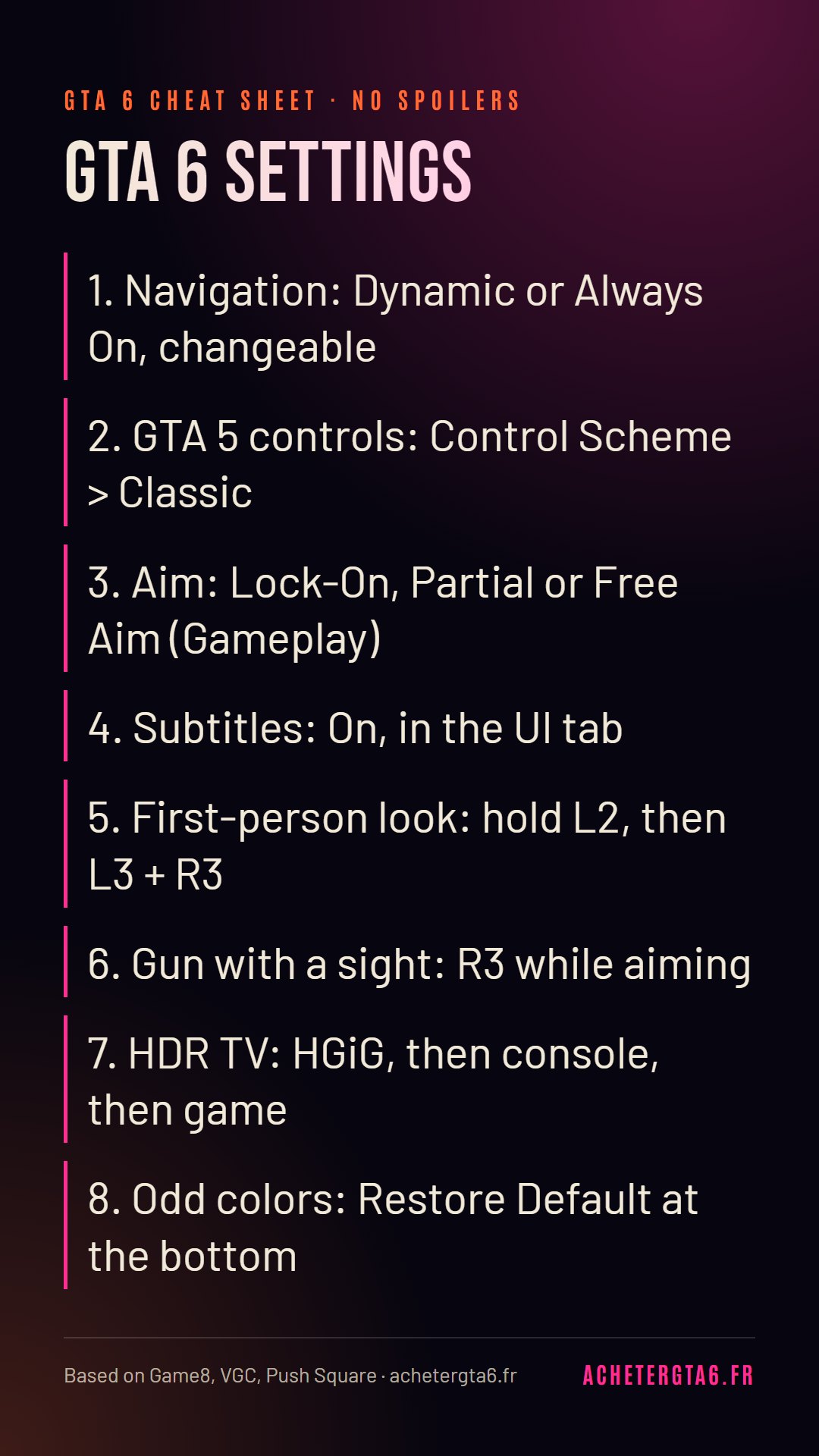
On first launch, the game asks which Navigation Experience you want without showing it, explains VGC. Three options: Minimap (Dynamic), where the minimap only shows when needed, for example in combat or driving; Minimap and Compass (Dynamic), which adds a compass with your markers and missions; Always On. VGC says not to worry too much: everything can be changed later. According to Game8, the UI tab offers the minimap and compass as On, Dynamic or Off.
Controls: Default or Classic
According to Push Square, GTA 6's Default scheme maps run to L3 and jump to Cross. If you come from GTA 5 or GTA Online, pick Classic under Settings, Control Scheme. Game8 lists a third scheme, Left-Handed. Push Square only gives PS5 inputs. Per Game8, the Controller tab also covers sensitivity, the aim response curve, each stick's deadzone and, on PS5, adaptive trigger resistance.
Aiming and shooting aids
In the Gameplay tab, Game8 describes three Targeting modes: Lock-On, which snaps to the nearest target; Partial, which moves toward a target without locking on; and Free Aim, with no help. Aim-assist strength is set separately: the higher it is, the slower the reticle moves. Game8 suggests keeping Shooting Assist and Drive-By Assist on, and turning off Stand and Sprint, which stands your crouching character up when you sprint and can get you spotted during stealth. Push Square and VGC confirm the many aim-assist and lock-on options. The two options that lower the difficulty are in the same tab: see our easy mode page.
Subtitles, blur and HDR
Subtitles. Game8 recommends setting them to On in the UI tab, with speaker names up to you. Available languages are on our GTA 6 languages page.
Motion blur. It can be turned off in the Display tab. According to Output Lag, doing so may reduce ghost trails when you turn the camera.
HDR. VGC recommends enabling HGiG on your TV in Game Mode (on LG sets it is labeled HDR Tone Mapping), then adjusting HDR and brightness on the console, then in the game, in that order. Without HGiG, the image can look washed out and the game's calibration screen stops making sense.
First-person views and cameras
GTA 6 has no first-person mode like GTA 5, according to GamesRadar+, Push Square and VGC. You can only look around in first person while standing still: hold L2 (LT on Xbox), then click L3 and R3, per GamesRadar+ and VGC. Push Square says L2 then R3 alone. VGC warns that L3 and R3 without L2 trigger Focus Mode. With a scope or sight, clicking R3 while aiming switches to first person, per GamesRadar+, Push Square and GameSpot.
Behind the wheel, sources disagree: GamesRadar+ and Push Square rule out first person, while VGC says the game switches to it for certain vehicles. According to Push Square, you choose between three camera distances by holding Down on the D-pad and pressing Square, and the cinematic camera turns on by holding Down and pressing Options. Game8 lists an Auto-Drive option that lets your character drive in cinematic camera (Restricted in safe situations, Unrestricted everywhere).
Accessibility
Push Square calls GTA 6 the most customizable Rockstar game on this front. Options mentioned by the press:
- High contrast: per Push Square, Output Lag and Kotaku's live blog, which relays consultant Laura Kate Dale (no color customization).
- Menu narration and cutscene audio descriptions: per the same Kotaku live blog.
- Simplified minigames: per Game8 and Push Square.
- Tap Assist, which turns repeated presses into a single tap; a persistent center dot, which may help with motion sickness; tinnitus reduction after explosions: per Game8.
- Low vision options and a one-toggle brightness modifier: per Push Square.
If the picture suddenly turns blue and yellow, Output Lag suggests checking these display options before reinstalling: Restore Default, at the bottom of the settings screen, resets everything.
Our sources
- Game8, "Best Settings for PS5 and Xbox", updated November 19, 2026.
- VGC, "GTA 6 Navigation Experience explained: Which Navigation Experience should I pick?", Jordan Middler, November 18, 2026.
- VGC, "GTA 6 PSA: Make sure HGiG is on for your HDR TV for the best GTA experience", Dave Aubrey, November 19, 2026.
- VGC, "GTA 6 First-Person mode explained: Does GTA 6 have a first-person mode?", Jordan Middler, November 18, 2026.
- Push Square, "GTA 6: Tips & Tricks You Need to Know", Sammy Barker, updated November 19, 2026.
- Push Square, "GTA 6: How to Go First-Person", Sammy Barker, November 18, 2026.
- Push Square, "GTA 6 Has an Easy Mode Buried in an Impressive Range of Accessibility Options", Robert Ramsey, November 19, 2026.
- GamesRadar+, "Does GTA 6 have a first-person mode?", Josh West, November 19, 2026.
- Kotaku, "Live Updates On GTA 6: The Biggest Launch In Gaming History", November 19, 2026.
- Output Lag, "GTA 6 Not Working? Day One Problems and Fixes", Steven Mills, updated November 19, 2026.
Read on November 19, 2026.