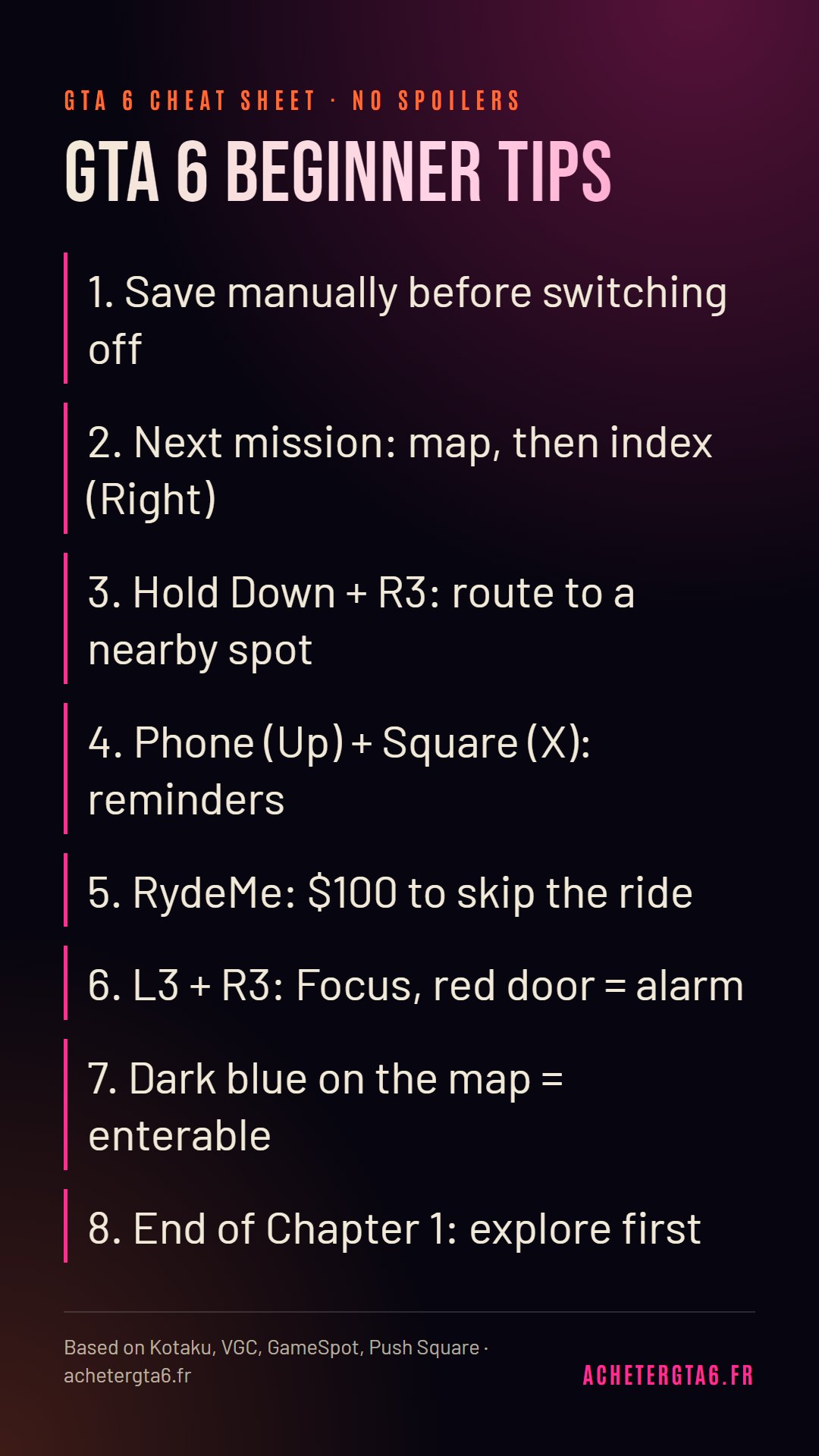
Save manually before switching off
This is the tip everyone repeats since launch. According to Kotaku and VGC, the autosave triggers after main story missions and some side missions, never during a mission. What you do between missions can vanish if you switch off. Open the menu, Game tab, and save; you cannot do it during missions, in combat or with the police after you. GameSpot suggests keeping a save in each chapter. Full method on our how to save in GTA 6 page.
Finding your next mission
Don't panic if no mission shows up. According to Push Square and GamesRadar+, open the map with the touchpad, then the index with Right on the D-pad: the Story section lists missions that move the story along at the top, optional ones below. Cross sets the destination. Both outlets only give PS5 inputs.
The shortcut to nearby places
Hold Down on the D-pad: time slows and nearby shops, missions and points of interest appear. Press R3 on one to start the GPS. The shortcut is described by Kotaku, Push Square and GamesRadar+. Kotaku finds it faster than the map, for example to find a gas station when you run low. Per GamesRadar+, you can only have one active destination, but several markers on the map (Square on the map).
Read your phone reminders
Open the phone with Up on the D-pad, then Square (X on Xbox): the Reminders tab gathers key messages, calls to make and in-game articles, per GameSpot and Push Square. According to Kotaku, they can reveal dialogue between Lucia and Jason. GameSpot found the start of a chain of side missions there.
Getting around fast
There is no classic fast travel. According to Kotaku, Push Square and GameSpot, the RydeMe phone app calls a driver; once in the car, hold L2 (LT on Xbox; Kotaku says the left trigger) to focus on the driver, and skipping the ride costs $100. Push Square says to hold Triangle on PS5. GameSpot lists two cheaper options: buses and trains, if you wait for them, and switching characters, since the other one usually hangs out near your safehouse. Details on our switch characters page.
Focus Mode and doors
Click both sticks at once to turn on Focus, per GameSpot and Kotaku. Outside combat, GameSpot says it highlights enemies in red, interactable items in yellow and cash in green, and reveals notes that sometimes hide a safe code. On doors, VGC says white means you can enter and red means alarmed; Kotaku confirms red for doors tied to the alarm. Kotaku also suggests using Focus to find the source of shouting or sirens: they are often random events.
Spotting enterable buildings
According to VGC, the world map uses two blues: dark blue means a building has an interior, light blue means it is closed. In a shop, walk up to the doors at the back: the minimap reveals hidden rooms and staircases. Near a building, the entrance usually shows as a white line on the minimap.
Keep your cash safe
You lose all pocket cash if you are wasted or busted. Before you get the BuckMe account, which unlocks in Chapter 1, VGC points to a stash under loose floorboards in Jason's bedroom. After that, Push Square suggests the BuckMe app's ATM Finder, which routes you to the nearest ATM. More on our money in GTA 6 page.
Read everything
According to GameSpot, some magazines and flyers unlock phone contacts or fishing spots on the map, as long as you flip through them to the end.
Before Chapter 1 ends, explore
According to VGC, the last three missions of Chapter 1 are linked: once you start the first, you cannot freely return to the starting area for several hours of Chapter 2. Jason's Ultimate Edition vehicles also become unavailable, which PC Gamer backs up: they can only be collected from Jason's house during Chapter 1. There is no rush: VGC suggests exploring first. How many chapters and missions: see our chapters and missions page.
Avoid spoilers and take your time
Kotaku recommends avoiding GTA 6 videos until you have played, to keep the story unspoiled. Its last tip: slow down, since most discoveries pass you by if you rush.
Next steps: the settings to change first, easy mode, weapons and Ammu-Nation and known bugs.
Our sources
- Kotaku, "32 Spoiler-Free Tips As You Hop Into Grand Theft Auto 6", Zack Zwiezen, November 18, 2026.
- Kotaku, "Be Careful With Auto-Saving In GTA 6, It Doesn't Happen As Often As You Think", Imran Khan, November 19, 2026.
- VGC, "GTA 6 beginner's guide: 6 tips you need to know before starting GTA 6", Jordan Middler, November 18, 2026.
- VGC, "GTA 6 PSA: Here's how GTA 6 autosave works", Jordan Middler, November 19, 2026.
- VGC, "GTA 6 Chapter 1 warning: Read this before finishing chapter 1 of GTA 6", Jordan Middler, November 18, 2026.
- GameSpot, "GTA 6 Tips: Everything I Wish I Knew Before I Started Playing", Jake Dekker, Mark Delaney, Joey Carr and Chris Pereira, updated November 19, 2026.
- Push Square, "GTA 6: Tips & Tricks You Need to Know", Sammy Barker, updated November 19, 2026.
- GamesRadar+, "How to find tasks, objectives, and useful locations in GTA 6", Josh West, November 19, 2026.
Read on November 19, 2026. We left out tips on robberies, police, cars and couple life, which other guides cover.