Default, Classic or left-handed: pick a scheme
GTA 6 has three control schemes, which you can switch and preview in Settings, then Control Scheme, according to GTABase. Dexerto notes it is the first settings tab, and that R1 (RB on Xbox) then moves to the Controller tab.
- Default: run is on L3, jump on Cross. Shacknews points out that sprint is no longer on Cross.
- Classic: a more familiar layout for longtime GTA players, according to Dexerto. The sources disagree on what it changes: GTABase says it swaps Run and Crouch; Insider Gaming's list puts Run on Cross and Crouch on L3, but also Jump on Square and Melee on Circle.
- Left-Handed: according to Insider Gaming's list, triggers and sticks are swapped: aim on R2, shoot on L2, move with the right stick.
Dexerto recommends sticking with Default on both PS5 and Xbox. More tips on our best settings page.
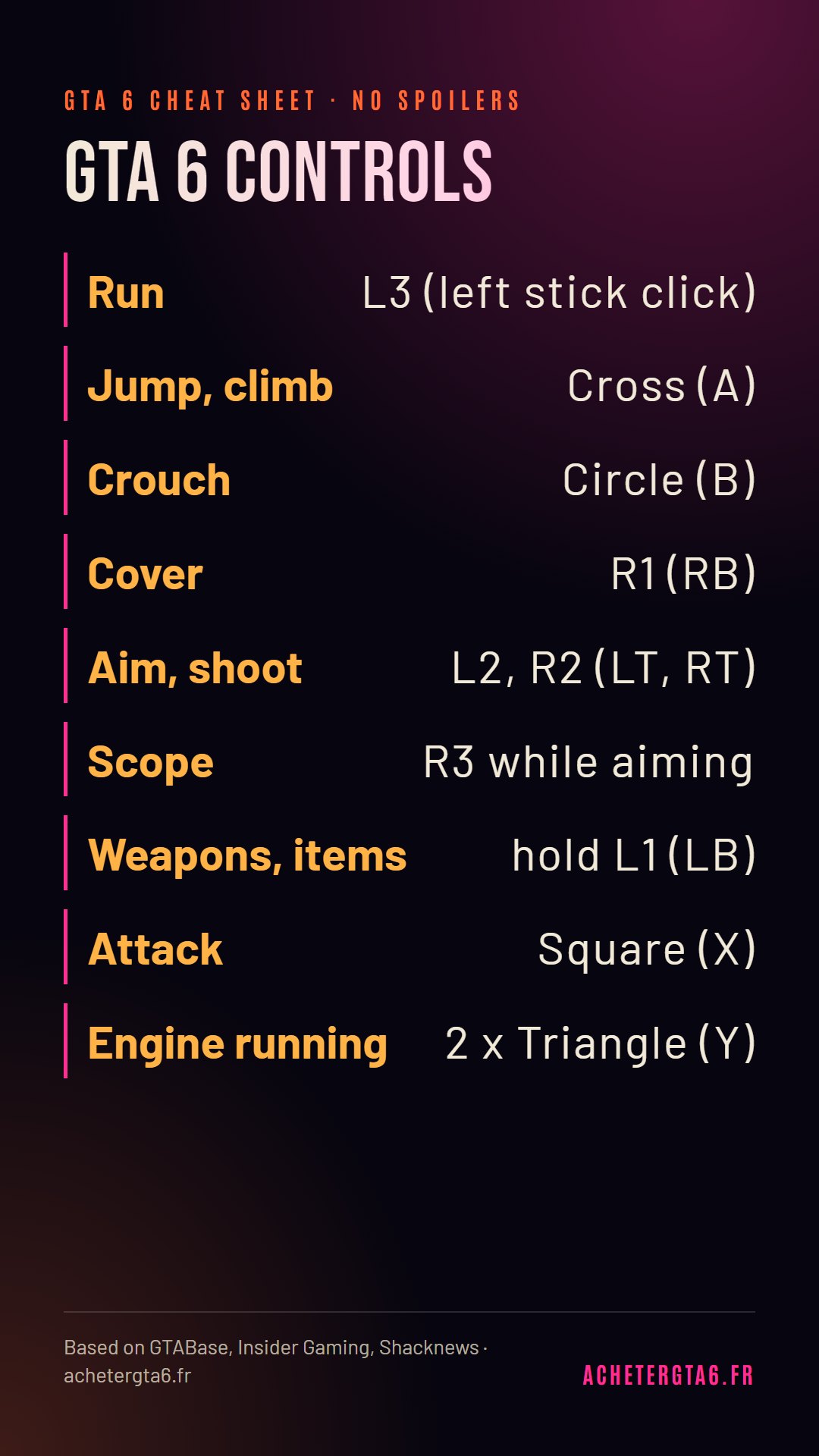
The twenty buttons to know
| Action | PS5 | Xbox |
|---|---|---|
| Run | L3 (click) | Left stick click |
| Jump, climb | Cross | A |
| Crouch | Circle | B |
| Interact (doors, items, vehicles) | Triangle | Y |
| Take cover | R1 | RB |
| Aim | Hold L2 | Hold LT |
| Shoot, on foot | R2 | RT |
| Zoom, scope | R3 while aiming | Right stick click while aiming |
| Switch shoulder | Left (D-pad) while aiming | Left (D-pad) while aiming |
| Weapon and item wheel | Hold L1 | Hold LB |
| Attack | Square | X |
| Block, dodge (melee) | Cross | A |
| Phone | Up (D-pad) | Up (D-pad) |
| Map | Touch pad | View |
| Accelerate | R2 | RT |
| Brake, reverse | L2 | LT |
| Handbrake | Cross | A |
| Horn, nitrous | L3 (click) | Left stick click |
| Shoot from a vehicle | R1 | RB |
| Exit vehicle | Triangle | Y |
Insider Gaming, Shacknews and GTABase broadly agree; Shacknews lists Select for pause, GTABase Options (Menu on Xbox). Insider Gaming gives the Xbox triggers but keeps PlayStation names for the face buttons, so the Xbox column comes from GTABase. The full scheme, with swimming, flying, parachuting and detailed melee, is at GTABase and Insider Gaming. Switching characters is covered on our Jason or Lucia page.
Three shortcuts the game barely explains
PC Gamer gathered controls the game barely explains. Three of them, confirmed by GTABase:
- Leave the engine running when you get out: double tap Triangle (Y). According to PC Gamer, engine and headlights stay on; GTABase adds that at speed the vehicle keeps going.
- Hide in your car: hold Circle (B), according to PC Gamer and GTABase.
- Yell at people: R3 while driving, according to PC Gamer and GTABase.
The rest are in PC Gamer's article.
Our sources
- GTABase, "GTA 6 Controls Guide: Full PS5 & Xbox Button Layout", updated November 22, 2026.
- GTABase, "GTA 6 Combat & Stealth Guide: Melee, Shooting, Takedowns & Hiding", November 21, 2026.
- Insider Gaming, "All GTA 6 Controller Settings on PlayStation & XBOX - Full Control Scheme", Andrew Highton, November 18, 2026.
- Shacknews, "GTA 6 PS5 controls", Sam Chandler, November 18, 2026.
- PC Gamer, "15 hidden GTA 6 controls and features you should know about", Morgan Park, November 20, 2026.
- Dexerto, "Best GTA 6 controller settings for PS5 & Xbox: Aim, sensitivity & more", November 19, 2026.
Read on November 22, 2026.