Standing still: look around
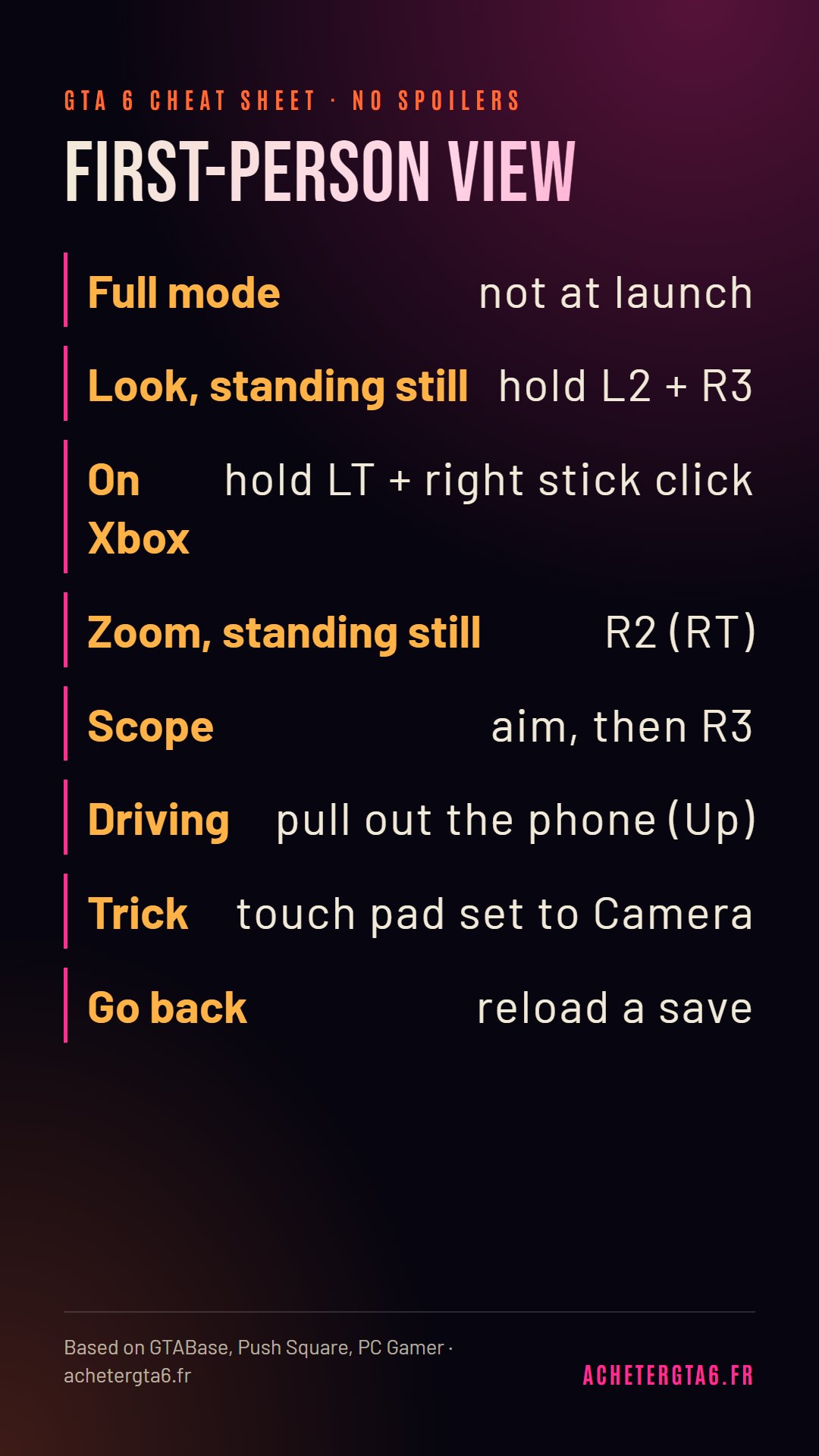
Stand still, hold L2 (LT on Xbox) then press R3 (right stick click), according to GTABase, Push Square, Insider Gaming, PowerPyx and PC Gamer. GTABase calls this view Inspect Surroundings: the camera moves freely, but you cannot move your character, according to PowerPyx and GTABase. R2 (RT) zooms in, per Push Square and GTABase. Push Square adds that you must keep L2 held.
The sources disagree on the input: VGC says L2, then L3 and R3, and warns that L3 and R3 without L2 trigger Focus. The others only mention R3.
PC Gamer finds it great for reading the posters and signs around Leonida.
Aiming: scopes, sights, binoculars
With a scope or sight on your gun, hold L2 (LT) to aim, then press R3 (right stick click) to aim down sights in first person, according to Push Square, PowerPyx, GTABase and PC Gamer. Push Square adds that you can keep moving, and that you need to press R3 again every time you aim. To go back, press R3 again or release L2, according to Push Square.
Optics are sold at Ammu-Nation, under Attachments then Optics in the weapon mod screen, according to Push Square. Without a scope, R3 tightens your spread at the cost of camera speed, according to PC Gamer.
GTABase also points to the binoculars Jason has from the start: hold L1 (LB) for the wheel, pick them (down and to the left by default), then hold L2 (LT). You can move while looking, and the D-pad zooms. According to GTABase, locals react less badly than to a pointed gun. Managing weapons and attachments: our weapons and Ammu-Nation page.
Driving: your phone
According to PowerPyx and GTABase, pull out your phone with Up on the D-pad: as long as it stays on screen, you drive in first person. GTABase warns that the phone blocks part of the screen. GTABase also points to Settings, Camera tab, Phone Display, set to First Person, to show the phone in first person. Insider Gaming confirms the phone view can be changed in the settings.
The sources disagree: Push Square says you can't drive in first person, VGC says the game moves to first person for certain vehicles. For the driving camera, Push Square and Insider Gaming describe three angles, picked by holding Down on the D-pad.
The player trick for full first person
Players have found a way to play entirely in first person. PC Gamer describes it, and so does Gameblog; both outlets present it as a bug.
- In the controller settings, under Controller Features, set the touch pad button to the camera ("Camera 2 / 2" according to PC Gamer).
- Get into a vehicle.
- Pull out your phone with Up on the D-pad.
- Press Circle (B on Xbox), then quickly press the camera button, several times if needed, according to Gameblog.
According to PC Gamer, it is completely playable, with rough edges: your shoulders clip through the camera when holding a longarm. Gameblog notes that cover and peeking around corners work poorly. To get back to third person you must reload a save; PC Gamer says a save made right then is enough (see how to save in GTA 6). On Xbox, Gameblog only suggests mapping the camera to a handy button: the exact steps are not detailed.
Will a real mode come?
None of our sources cites a Rockstar announcement about a full first-person mode. PowerPyx thinks it could be added later, without an official source. We will update this page if Rockstar says anything.
Our sources
- GTABase, "How to Go First-Person in GTA 6 (Is There a First-Person Mode?)", Alan Sahbegovic, November 20, 2026.
- Push Square, "GTA 6: How to Go First-Person", Sammy Barker, November 18, 2026.
- PowerPyx, "GTA 6 How to Play in First-Person View", November 18, 2026.
- VGC, "GTA 6 First-Person mode explained: Does GTA 6 have a first-person mode?", Jordan Middler, November 18, 2026.
- Insider Gaming, "Can You Switch to First-Person in GTA 6? Camera Options, Explained", Grant Taylor-Hill, November 18, 2026.
- PC Gamer, "GTA 6 is playable in first-person, here's how to activate it", Jody Macgregor with Morgan Park, November 20, 2026.
- PC Gamer, "15 hidden GTA 6 controls and features you should know about", Morgan Park, November 20, 2026.
- Gameblog, "GUIDE GTA 6 : comment activer la vue FPS ?" (in French), Jérémy H KiKiToès, November 20, 2026.
Read on November 22, 2026.